Keeping the Momentum: How to Use Animated Visualizers to Maximize YouTube Watch-Time Without a Big Budget
For independent artists and creators, the math of YouTube can feel pretty brutal. The algorithm lives and dies by watch-time and audience retention, but funding a proper, high-end live-action video or studio shoot for every single release will drain your budget fast.
Drop a new track with just a static album cover or a single, lifeless photo, and you know what happens: people click away in ten seconds. Your bounce rate spikes, the algorithm decides nobody cares, and your reach goes flat.
So, how do you actually keep your channel active and keep people watching when you don’t have a massive visual budget?
You lean into low-cost, high-impact animated visualizers.
Why Watch-Time is Everything on YouTube
At the end of the day, YouTube is a visual platform. Even if your content is all about the audio—whether it’s a new single, a beat tape, or a podcast—people naturally want something to look at while they listen.
Give viewers something dynamic to lock onto, and they stay. Every extra minute they hang around tells YouTube’s recommendation engine that your track is worth pushing out to new listeners’ homepages and suggested feeds.
Going silent for months while you save up for your next big video shoot is an easy way to kill your channel’s momentum. Visualizers are the bridge that keeps you visible.
Smart, Budget-Friendly Alternatives to Live-Action Videos
You don’t need a film crew or a Hollywood budget to keep people on your page. Here are three formats that look incredible and won’t break the bank:
1. Seamless Loop Animations (The Lo-Fi Approach)
Think about the classic “lo-fi hip hop” streams. A simple, beautifully styled 10-second loop—like a rainy windowpane, a spinning vinyl record, or a stylized character working late—creates a hypnotic vibe. Because it loops seamlessly, listeners often leave the video running in the background while they work or study, which drives your average watch-time sky-high.
2. Kinetic Typography & Aesthetic Lyric Videos
If your track has vocals, lyrics are one of your best assets. Fans love reading along, and kinetic typography—text that moves, pulses, or reacts to the beat—keeps their eyes glued to the screen. Pair some clean, stylized fonts with a moody background texture or a subtle VHS filter, and you get a professional look at a fraction of the cost.
3. Audio-Reactive Visualizers
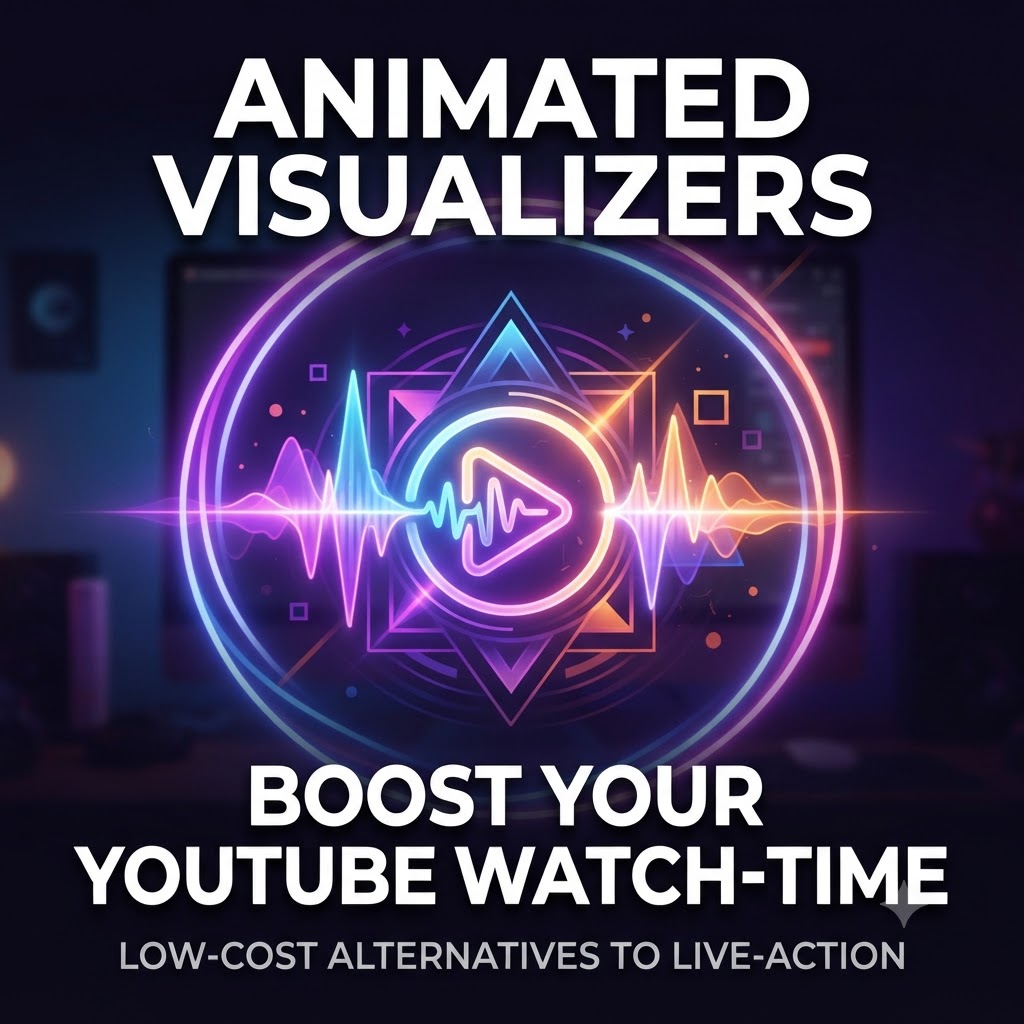
Let your actual sound do the heavy lifting. Audio-reactive visualizers use pulsing waveforms, expanding shapes, or glowing rings that bounce and react in real time to your bass and treble. It gives the audience a tangible visual representation of the track, turning a passive listen into an engaging experience.
Bridge the Gap Between Major Releases
You don’t need to empty your savings account every single time you want to put something out. By mixing lightweight animated visualizers into your rollout, you can keep your YouTube channel active even between major video shoots by boosting your visualizers through our campaigns.