Treating Spotify like a lottery system gets exhausting fast. Most independent artists drop a new track, cross their fingers for Release Radar, and hope an editorial playlist curator finally throws them a bone.
When that doesn’t happen, the panic sets in. A lot of artists end up wasting money on shady playlist-pitching services that dump low-quality, bot-driven streams onto their profiles and completely wreck their listener data.
Instead of fighting the algorithm, what if you actually taught it how to work for you?
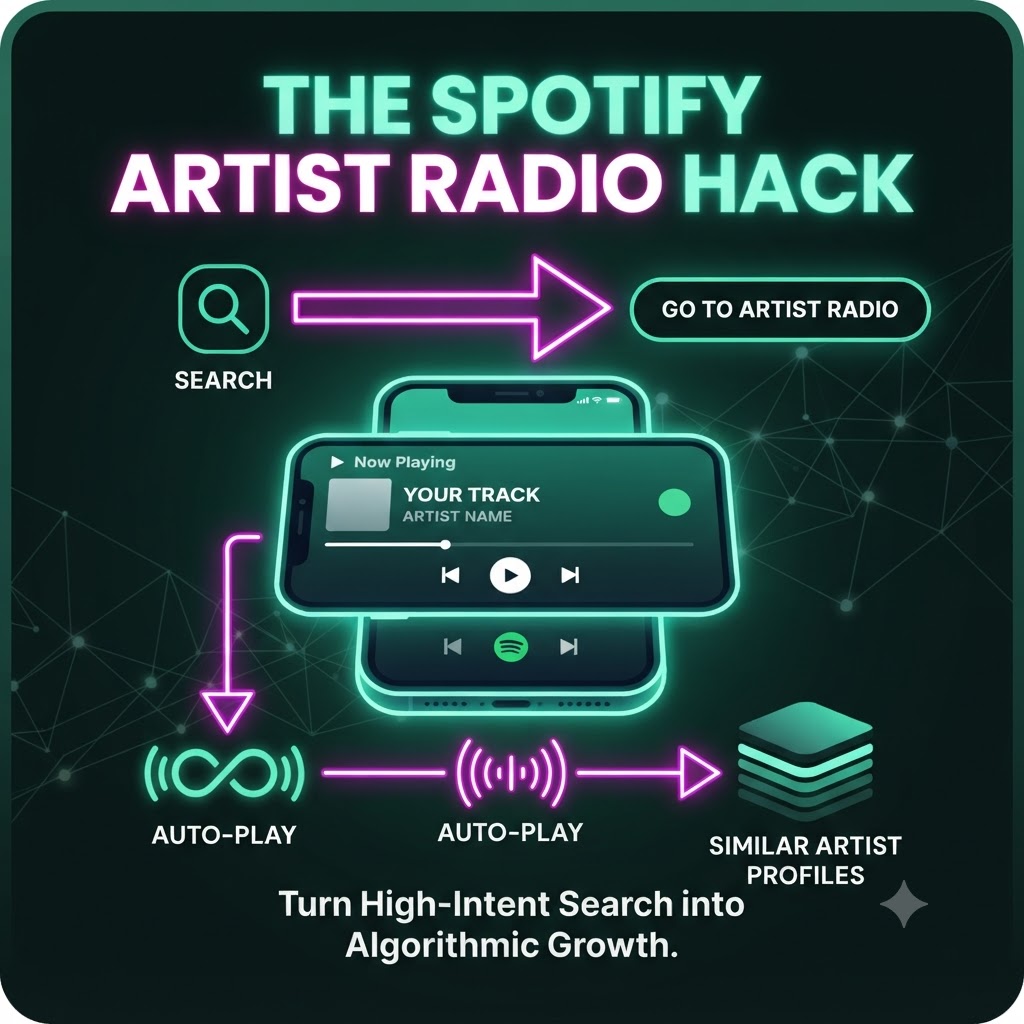
There’s a straightforward method—let’s call it the Artist Radio Hack—that uses smart social media calls-to-action (CTAs) to trigger custom auto-play queues and force Spotify to pair your music with the right audience.
Why Standard Link-in-Bio Strategies Fall Short
For years, the playbook has been simple: drop a direct link to your single in your Instagram Stories or TikTok bio, and tell people to stream it.
The problem? It usually results in dead-end listening sessions. A casual fan clicks the link, plays the song once, closes the app, and ghosts. Spotify records a single stream, but it doesn’t get enough context about who else that listener likes. It has no data to figure out where you fit in the musical landscape.
The Fix: Hijacking “Artist Radio” and Auto-Play
Spotify’s recommendation engine relies heavily on session continuity. When a track ends, Autoplay kicks in to keep the vibe going. Similarly, Artist Radio creates an endless queue based on a seed artist.
Instead of just handing fans a direct link, the goal is to train the algorithm to see your music as a natural extension of the biggest acts in your genre.
Here is how you actually pull this off with your fanbase:
1. Change Your Call-to-Action
Stop saying, “Stream my new single here.” Instead, tell your audience: “Go to Spotify, search my name, hit ‘Go to Artist Radio,’ and let it run in the background.”
You can also instruct them to manually search for your track title, play it, and just let Autoplay take the wheel when it finishes.
2. Why Manual Searches Carry Real Weight
When a fan actually opens the Spotify app and types your name or song title into the search bar, the platform registers high-intent behavior. Manual searches carry way more algorithmic weight than passive link clicks from social media browsers. It tells Spotify loud and clear: “People are actively looking for this artist.”
3. Feeding the Recommendation Engine
When your fans transition from your track straight into your Artist Radio or let Autoplay roll, Spotify starts connecting the dots. By triggering auto-play recommendations through building up high-quality streaming history via our [Contextual Link: “…trigger auto-play recommendations by building up high-quality streaming history via our .”], you reinforce those listening loops.
If your core fans finish these sessions without skipping, Spotify’s machine learning makes a vital connection: “Fans of Artist X also love this song.” Before you know it, your track starts sliding into the auto-play queues of listeners who have never followed you a day in their lives.
Stop Guessing, Start Training the Algorithm
Algorithms aren’t magical gatekeepers; they’re just mirror reflections of what listeners actually do. If you feed Spotify lazy link-clicks, you get zero algorithmic traction. But if you mobilize your community to perform high-intent actions—like manual searches and letting radio queues run—you give the engine the exact blueprint it needs to push your music further.