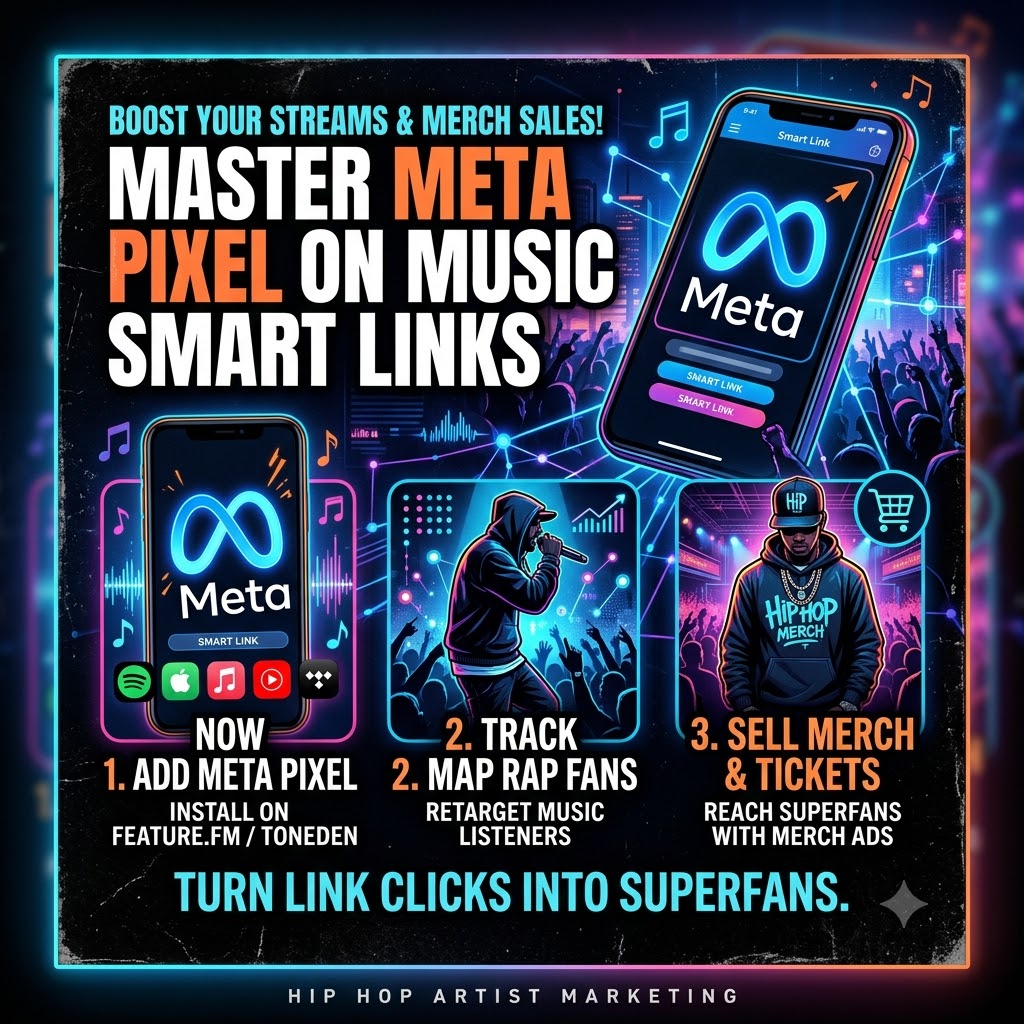
How to Set Up Meta Pixel Tracking on Smart Links to Retarget Hip-Hop Fans
If you’re dropping new rap tracks in today’s scene, you already know that driving traffic to Spotify or Apple Music is a constant grind. You post Reels, run TikTok ads, plug your smart links everywhere, and watch the clicks roll in. But what actually happens after someone hits your landing page?
Most fans click, listen for a few seconds, maybe add the song to a playlist, and then scroll away. If you don’t have tracking set up, that fan is gone forever. You have no way to reach them again unless the social media algorithm randomly decides to show them your next post.
This is where embedding a Meta Pixel (Facebook Pixel) into your music smart links changes everything.
Instead of letting that traffic evaporate, a Meta Pixel lets you tag every single person who touches your Feature.fm or ToneDen page. From there, you can build custom retargeting audiences to sell merch, move concert tickets, or run high-converting promo for your next drop.
Let’s dive into how to set this up step-by-step and convert casual listeners into paying superfans.
Why Every Independent Rap Artist Needs Meta Pixel Tracking
Running ads or posting content that drives fans directly to Spotify without a smart link is essentially burning money. Why? Because Spotify, Apple Music, and Tidal won’t share user data with you. You can’t see who clicked your link, and you definitely can’t advertise to them later.
Smart links act as the bridge between your promotion and streaming services. When you add a Meta Pixel to link aggregators like Feature.fm or ToneDen, you unlock three huge advantages:
-
You build a warm audience list automatically: Every click on your smart link adds another user to your custom Meta audience pool.
-
Your ad costs drop significantly: Re-engaging people who already listened to your music is far cheaper than paying to acquire completely cold listeners.
-
You can pitch merch to actual fans: Selling a $60 hoodie to someone who has never heard your voice is tough. Selling that same hoodie to someone who clicked your smart link three times last week? That’s where the conversions happen.
Step 1: Generating Your Meta Pixel ID
Before you link anything to your smart page, you need to pull your Pixel ID from Meta.
-
Open your Meta Business Suite and navigate to Events Manager.
-
Click on Connect Data Sources on the left panel and pick Web.
-
Name your pixel something clear (e.g., [Your Artist Name] Main Pixel).
-
Skip the prompt asking for a website URL if you don’t have a main site—your smart link provider will host the pixel event.
-
Once created, look under your pixel settings or header bar for your Pixel ID. It’s a 15-to-16-digit code. Copy it to your clipboard.
Step 2: Adding the Pixel to Feature.fm or ToneDen
Installing the pixel doesn’t require coding or web development skills. Music smart link platforms build these integrations directly into their settings.
Adding Pixel to Feature.fm
-
Log into Feature.fm and open the Smart Links tab.
-
Edit an existing link or create a new release link.
-
Scroll down to the Advanced Settings or Integrations / Pixels section.
-
Paste your Meta Pixel ID into the Facebook Pixel field.
-
Hit Save. Feature.fm will now automatically fire a
PageVieworLinkClickevent every time someone visits your page.
Adding Pixel to ToneDen
-
Go to your ToneDen dashboard and select your active smart link campaign.
-
Click into the Edit mode and navigate to Step 3: Tracking (or Marketing Integrations).
-
Under the Facebook Pixel option, toggle it on and paste your Pixel ID.
-
Save your changes.
Quick Verification Trick: Install the free Meta Pixel Helper extension on Google Chrome. Open your smart link in a new browser tab and click the extension icon. If you see a green checkmark next to
PageView, your tracking is live and collecting data.
Step 3: Building Custom Audiences in Meta Ads Manager
Now that your link is tracking clicks, you need to tell Meta how to organize those visitors so you can run retargeting campaigns later.
-
Go to Meta Ads Manager and navigate to Audiences.
-
Click Create Audience and choose Custom Audience.
-
Pick Website as your traffic source.
-
Set the criteria:
-
Source: Select your active Meta Pixel.
-
Events: Choose All website visitors (or specific event triggers if your platform supports button click tracking).
-
Retention: Set this between 30 to 90 days. A 30-day window is ideal for merch drops because the music is still fresh in their minds.
-
-
Name your audience clearly, such as
Smart Link Clicks - Past 30 Days. -
Click Create Audience. Meta will now continually update this list whenever new fans click your links.
Step 4: Retargeting Rap Fans with Merch and Ticket Ads
Once your custom audience hits a few hundred people, you can launch a targeted ad campaign specifically designed to sell.
1. Match the Visuals to the Era
If you’re selling a tee or hoodie linked to your recent single, use visual assets from the same release. Show behind-the-scenes video clips, short studio teasers, or clean product shots worn by you or models.
2. Write Direct, Community-Focused Copy
Skip the pushy sales language. Hip-hop fans respond to authenticity and culture.
-
Example: “Bumping the new single? Grab the limited physical drop before it sells out. Only 100 pieces made.”
3. Exclude Existing Buyers
If you sell merch on Shopify or Bandcamp, make sure to add your pixel to your shop as well. When setting up your ad set in Meta, exclude people who have already completed a purchase. That way, you aren’t wasting budget showing merch ads to fans who already bought the shirt.
The Big Picture: Building Long-Term Music Marketing Ecosystems
The artists winning in today’s music industry aren’t just releasing songs—they are building data-driven fan ecosystems. When you track link clicks, gather email signups, and retarget engaged listeners, you stop relying on algorithm luck. Every single release becomes an investment that grows your addressable fan base for the next drop.
If you want to take your releases further, you can turn click-through data into dedicated superfan communities via our complete artist marketing packages. Having a structured promo strategy backing your drops ensures that every stream translates into real-world fan growth.
Give Your Music the Reach It Deserves
Setting up pixel tracking is a crucial foundation, but combining tech with real promotion is how you get noticed.
Ready for Worldwide Exposure?
Give your releases global visibility. Apply via our Artist Submission Form.