How to Dispute a False SoundCloud Copyright Strike on an Original Beat
If you produce music, few things kill your momentum faster than uploading a fresh beat, hitting publish, and getting hit with an instant copyright strike seconds later.
It is frustrating, jarring, and all too common. The vast majority of these sudden removals aren’t real copyright infringements at all. Instead, they are false positives triggered by automated audio-recognition algorithms like Audible Magic. These bots routinely scan SoundCloud and mistake legally licensed royalty-free sample packs, public domain chops, or standard VST presets for major-label releases.
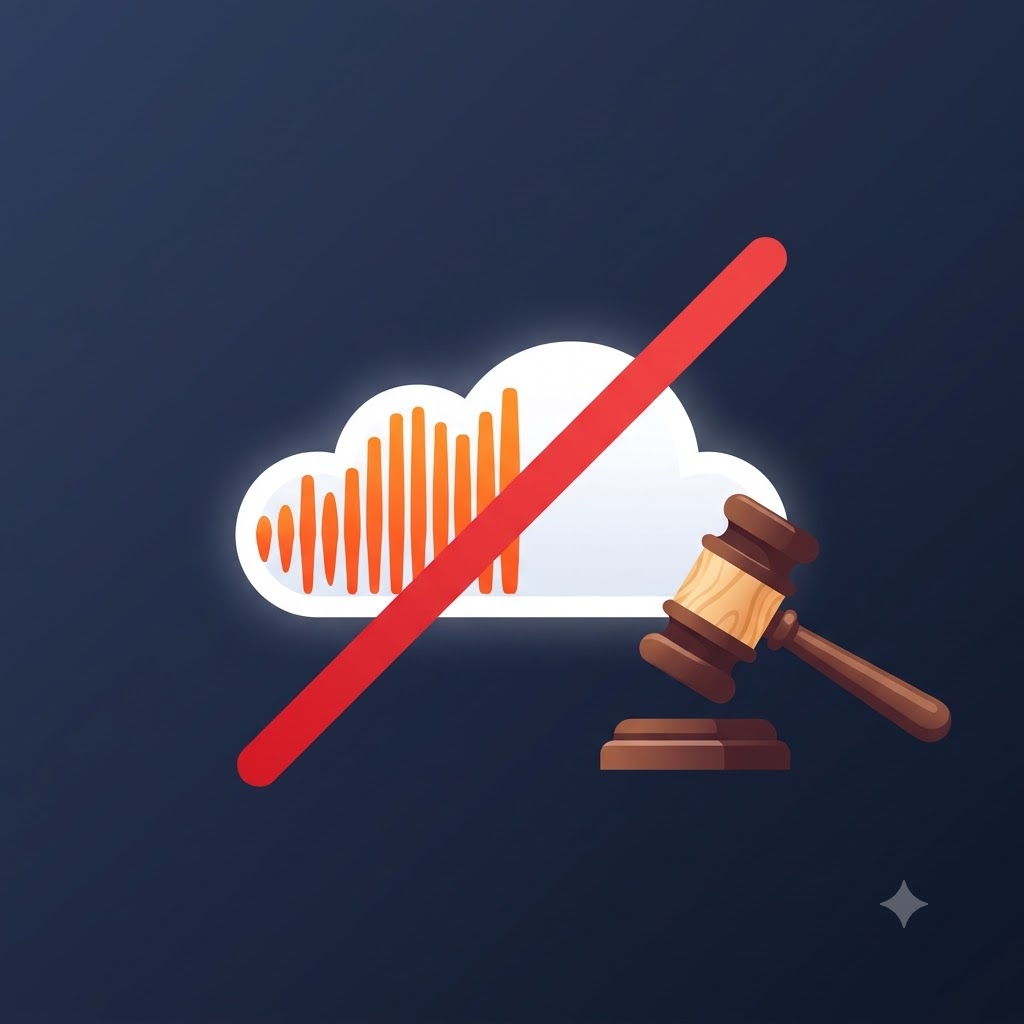
If your original beat was wrongly taken down, you do not have to take the loss or live with a strike on your profile. Under the Digital Millennium Copyright Act (DMCA), you have the legal right to challenge the claim.
Here is a clear, practical guide on why these strikes happen, how to organize your evidence, and how to write a counter-notification that actually gets your track reinstated.
Why Audio Bots Target Original Tracks
To clear a false strike effectively, it helps to understand why automated systems flag original music in the first place. SoundCloud does not review every upload manually; it relies on automated software that checks audio waveforms against vast databases of registered tracks.
Several common scenarios cause these bots to make mistakes:
1. Shared Royalty-Free Samples
If you used a popular loop from Splice, Loopcloud, or a royalty-free kit, hundreds of other producers likely used it too. If another artist took that same loop, recorded a song over it, and registered their finished track with a content identification system without turning off matching for non-exclusive samples, the bot will flag your beat as a direct rip-off of their song.
2. Stock VST Presets and Common Chord Progressions
Distinctive synth patches, arpeggiators, and drum sounds built into popular virtual instruments (like Serum, Omnisphere, or Kontakt) sometimes produce identical frequency fingerprints. An algorithm doesn’t hear musical context or arrangement—it only matches raw frequencies.
3. Overzealous Content ID Registrations
Some independent labels, distributors, and artists aggressively enroll entire catalogs into automated Content ID networks without checking whether their tracks contain non-exclusive elements. This leads to blanket claims against any creator using the same foundational sounds.
Legal Disclaimer: A counter-notification is a legal document. Only submit a dispute if you hold clear rights, licenses, or explicit permissions for every single audio element present in your project.
Step 1: Gather Your Evidence Before Filing
Do not rush into sending an angry email without backing up your claim. SoundCloud’s copyright team reviews hundreds of disputes daily, so having your evidence organized beforehand makes the resolution process much smoother.
Before drafting your response, collect the following materials:
-
DAW Session Proof: Take screenshots of your DAW session (FL Studio, Ableton Live, Logic Pro, Studio One, etc.). Highlight track stems, arrangement views, midi data, and creation timestamps to prove you built the project from scratch.
-
Sample Licenses and Receipts: Locate your End User License Agreement (EULA), invoice, or receipt for any third-party sample packs or sound libraries used in the beat. Make sure the license explicitly grants commercial distribution rights.
-
Early Bounces or Draft Exports: Find earlier draft exports, rough mixes, or audio bounces with earlier file creation dates on your hard drive to establish a clear timeline of production.
Step 2: Structure Your Legal Counter-Notification
When you dispute a claim, SoundCloud acts as a neutral party under DMCA guidelines. Their legal team cannot take your word for it unless your submission meets specific legal requirements. Missing information will cause your dispute to be rejected immediately.
You can submit your counter-notification by responding directly to the automated email notification you received from SoundCloud’s copyright department or through their official support portal.
Required Details Checklist
To ensure your counter-notice is valid, make sure it includes:
-
Full Legal Identification: Your real full name along with your artist or producer alias.
-
Current Contact Details: A valid physical mailing address, primary phone number, and the email address linked to your SoundCloud account.
-
Specific Track Details: The exact track title, the full SoundCloud URL, and the reference ID number provided in the initial takedown notification email.
-
Statement of Good Faith: Formal legal wording stating that the track was disabled due to a mistake or misidentification.
-
Consent to Legal Jurisdiction: A required clause agreeing to federal court jurisdiction should the claimant decide to pursue formal legal action.
Step 3: Copy & Customize the Counter-Notification Template
Use this ready-to-fill template to draft your formal dispute. Replace all bracketed information [like this] with your actual details.
SUBJECT: Formal DMCA Counter-Notification - Track Dispute: [Insert Track Title]

To SoundCloud Copyright Operations,

This email serves as a formal counter-notification pursuant to Section 512(g)(3) of the Digital Millennium Copyright Act (DMCA) to contest the automated removal of my audio track.

1. IDENTIFICATION OF REMOVED MATERIAL:
- Track Title: [Insert Exact Track Title]
- Track URL: [Insert Full SoundCloud Track URL]
- Takedown Reference Number: [Insert Reference ID from Takedown Notice Email]

2. CONTACT DETAILS:
- Full Legal Name: [Your First and Last Legal Name]
- Artist / Producer Name: [Your Stage / Business Name]
- Physical Street Address: [Your Full Address, City, State/Province, Zip/Postal Code, Country]
- Phone Number: [Your Phone Number including Country Code]
- Account Email: [Your Email Address Associated with SoundCloud]

3. STATEMENT OF GOOD FAITH:
I declare, under penalty of perjury, that I have a good faith belief that the material identified above was removed or disabled as a result of a mistake or misidentification.

The audio track in question is an original work composed and produced entirely by me. The flagged portion of the audio contains [insert brief context, e.g., "legally licensed royalty-free loops from Splice / stock VST sound presets / fully original instrumentation created inside my DAW"], for which I maintain full commercial rights and usage permissions.

4. CONSENT TO JURISDICTION & SERVICE OF PROCESS:
I consent to the jurisdiction of the Federal District Court for the judicial district in which my address is located (or, if my address is outside the United States, the judicial district in which SoundCloud is located). I will accept service of process from the party who submitted the original copyright claim or an authorized agent of that party.

5. SIGNATURE:
Digital Signature: [Type Your Full Legal Name]
Date: [Insert Current Date]
What Happens After You Submit Your Dispute?
Once you submit your counter-notification, SoundCloud’s legal department processes the document through a set statutory timeline:
-
Review and Forwarding: SoundCloud inspects your counter-notice for completeness. Once verified, they forward a copy directly to the person or entity who filed the initial copyright strike against you.
-
The 10–14 Day Waiting Period: By law, the claimant has 10 to 14 business days from receiving your counter-notice to file a court order seeking to restrain you from publishing the audio on the platform.
-
Track Restoration: If the claimant does not provide proof within 14 business days that they have filed a formal lawsuit against you, SoundCloud will automatically restore your track to your profile and wipe the copyright strike from your account history.
How to Protect Your Beats Moving Forward
Filing disputes takes time away from creating music. While you cannot completely stop automated bots from making errors, you can minimize future takedowns with a few smart studio practices:
-
Manipulate Your Royalty-Free Samples: Never drop a popular loop straight into your track completely untouched. Pitch-shift, chop, reverse, filter, or layer loops with original synth lines. Modifying the original audio file makes it much harder for content bots to falsely match your work with someone else’s.
-
Keep an Organized License Folder: Create a dedicated folder on your hard drive (or cloud storage) where you save PDFs of sample kit licenses, plugin receipts, and project files sorted by release date.
-
Opt Out of Non-Exclusive Content ID: When releasing your tracks through digital distributors (like DistroKid, TuneCore, or CD Baby), do not opt into YouTube or SoundCloud Content ID systems if your song relies heavily on open royalty-free sample packs. Doing so protects other producers in the community from receiving accidental strikes caused by your release.
Proactively managing your rights allows you to protect your catalog from automated takedowns, then drive real listener traffic via our subgenre-specific hip-hop playlisting channels.
Deliver smooth, verified releases to active hip-hop audiences.
Keep your releases clean, clear, and fully protected. Submit your release to the Music Submission Portal to share your tracks with curated playlists, active channels, and engaged hip-hop listeners.