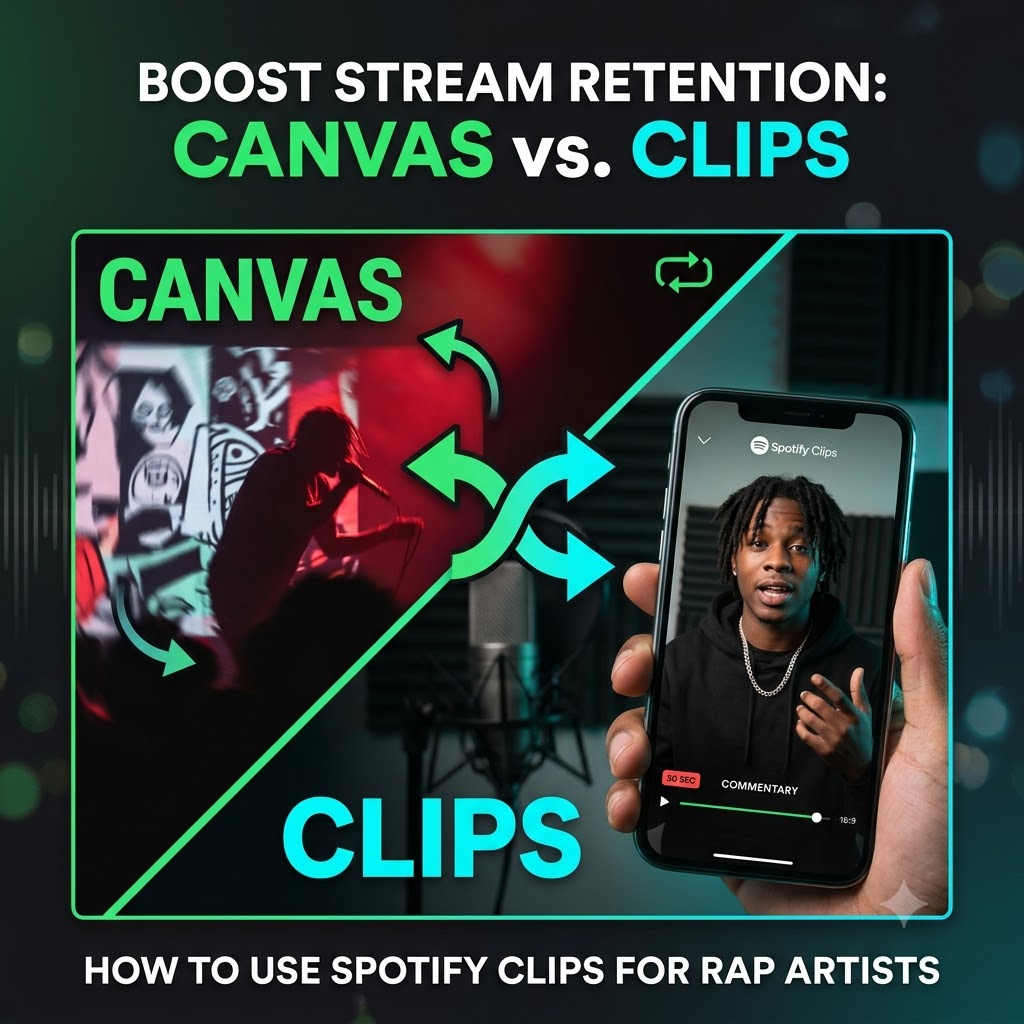
Spotify Clips vs. Canvas: How 30-Second Vertical Story Videos Boost Stream Retention
Getting someone to click play on a song in 2026 isn’t the hardest part of music promotion anymore—getting them to stay for track two is.
With thousands of new tracks dropping every day, listeners move fast. If a track doesn’t grab them immediately or give them a reason to care, they swipe away to the next song on their feed. This drop-off is one of the main reasons independent releases hit a wall after the first week.
That is where Spotify’s visual tools come into play. While most artists are familiar with Spotify Canvas, fewer are taking advantage of Spotify Clips. If you want to know how to use spotify clips for rap artists to build actual retention rather than empty vanity clicks, you need to understand how this tool operates differently from Canvas—and why storytelling matters so much in hip-hop.
Let’s dive into how these two features compare, why vertical commentary works, and how to set up Clips on your next release to turn casual listeners into long-term fans.
Spotify Canvas vs. Spotify Clips: Understanding the Difference
Before uploading files to Spotify for Artists, it helps to distinguish between Canvas and Clips. Both live on the app, but they serve two very different psychological functions for the listener.
| Feature | Spotify Canvas | Spotify Clips |
| Length | 3 to 8 seconds | Up to 30 seconds |
| Format | Looping visual (GIF-style, no audio) | Vertical video with native audio |
| Primary Placement | Mobile “Now Playing” view | Track pages, Album pages, Artist Profile |
| Main Objective | Aesthetic atmosphere | Direct storytelling & artist commentary |
| Engagement Type | Passive background viewing | Active watch-and-listen interaction |
What Spotify Canvas Does Best
Canvas is built for atmosphere. It’s that looping 3 to 8-second video that plays in the background while a song is running on a phone screen. It replaces standard album artwork during playback.
For rap music, a good Canvas might be a clip from a music video, a distorted VHS loop of the city, or a quick studio visual. It looks cool, but it’s passive. It doesn’t tell the listener why you wrote the song or what beat producer you worked with.
What Spotify Clips Delivers
Spotify Clips works more like a short social video built directly into the streaming platform. It allows up to 30 seconds of vertical video where you can talk directly to the audience, preview a track, or break down a concept.
Because it lives right on track pages and album hubs, a listener doesn’t have to leave Spotify to find out who you are. Instead of leaving the app to check your TikTok or Instagram, they watch your 30-second explanation right there on your release page—keeping their session active inside your discography.
Why Spotify Clips Matter Specifically for Rap Artists
Hip-hop has always been driven by context. Listeners don’t just consume the music; they care about the producer credits, the lyricism, the rivalries, the studio environment, and the stories behind the bars.
When you drop a rap track without context, you rely entirely on the beat and the hook to hold attention. But when you attach a Clip to that same track, you add a layer of narrative that keeps people around. Here is how that translates to better numbers:
1. Higher Track Completion Rates
Spotify’s internal algorithm heavily prioritizes completion rate—how much of a song a user listens to before skipping. If a user stumbles on your track, sees a Clip where you explain the crazy story behind the second verse, they are far more likely to let the song play all the way through to hear that verse. High completion rates signal to the algorithm that your track is keeping users engaged, which helps trigger push placements on Discover Weekly and Release Radar.
2. Boosting Full Album Stream-Through
One of the biggest struggles for indie hip-hop artists dropping projects (EPs or LPs) is getting people past the first two singles.
By adding short Clips across different tracks in a project, you can walk listeners through the sequence. You might use a Clip on Track 1 to say: “If you like the sample on this intro, wait until you hear how it flips on Track 3.” Simple direct commentary like this gives the listener a clear reason to keep streaming the full tracklist.
3. Owning Your Traffic Inside the App
When you run ads or execute a promo push, you spend money and time sending people to your Spotify page. If your page is just a static list of songs, a percentage of those people leave after 30 seconds. By having interactive Clips ready on your profile, you capture that paid traffic and hold it longer, giving your promotional budget a better return on investment.
How to Use Spotify Clips for Rap Artists: A Practical Strategy
Uploading a video is easy, but making a Clip that actually drives streams requires a bit of planning. You don’t need a high-budget video crew; in fact, overly produced videos often perform worse because they look like traditional ads.
Here is a step-by-step breakdown of how to plan and record your Clips:
Step 1: Identify the Narrative Angle
Don’t just jump on camera and say “go stream my new single.” Listeners skip past sales pitches. Instead, focus on an angle that creates curiosity:
- The Sample / Beat Story: Break down how you or your producer found the sample, or show a 5-second clip of the beat being built in the DAW.
- Bar Breakdown: Pick your favorite 2-4 lines from the song and explain the double meaning or the real-life situation behind them.
- Studio Energy: Share a raw clip from the night you recorded the vocals, showing the genuine vibe in the room.
- Project Concept: Explain where this track fits in the story of your upcoming EP or album.
Step 2: Keep the Technical Specs Simple
- Aspect Ratio: Vertical 9:16 (standard smartphone camera orientation).
- Length: Keep it between 15 and 30 seconds. Get straight to the point in the first 3 seconds.
- Audio: Make sure your voice is clear. If you are playing background music, keep it quiet enough so your voice doesn’t get drowned out.
- Captions: Many users browse music apps on low volume or in public spaces. Adding subtitles or key text overlays makes a huge difference.
Step 3: Upload Through Spotify for Artists
- Log into your Spotify for Artists account on desktop or mobile.
- Go to the Profile or Catalog tab.
- Select Clips and click Upload.
- Attach the video to the specific track, release, or album page.
- Add a short tag linking the video directly to the track so viewers can click straight into the music.
Combining Visual Storytelling with Traffic
Creating solid content inside Spotify is only half the battle—you still need consistent, active listeners coming to your profile to see it.
Once your Clips and Canvas assets are set up on your releases, you want to drive qualified hip-hop fans directly to those tracks. You can pair your visual storytelling with targeted listener traffic through our hip-hop music promotion channels to ensure your project gets real eyes and ears from day one.
Summary
Spotify Canvas creates the visual mood, but Spotify Clips builds the personal connection. For rap artists looking to increase stream retention, beat algorithm drop-offs, and turn casual listeners into true fans, adding short vertical story videos directly to your discography is one of the most effective free features available today.
Before your next release, shoot two or three quick 20-second behind-the-song clips, upload them to your dashboard, and give your audience a real reason to hit play and stay tuned.
🚀 Turn Video Views into Permanent Streams: Put your new single in front of active hip-hop listeners. Submit your track through our Music Submission Portal.