How to Get Your Rap Lyrics on Instagram Stories & Reels (Musixmatch Pro Guide)
If you have been trying to figure out how to get song lyrics on Instagram Stories, you probably noticed there is no upload button anywhere inside the Instagram app. That is because Instagram does not host its own lyric library. Instead, Meta pulls all of its time-synced lyric stickers straight from Musixmatch.
For independent rappers, leaving your lyrics off Musixmatch is a massive missed opportunity. Think about how people discover underground music right now. Somebody hears a hard punchline on a Reel, taps the audio, or sees a friend post a 15-second Story with the bars scrolling across the screen. When those lyrics pop up automatically, people actually read what you are saying instead of scrolling past a static cover art screenshot.
Setting this up takes maybe twenty minutes per release, and once you lock it in, your bars become shareable across social feeds while driving full-song listens via our targeted rap playlist placements.
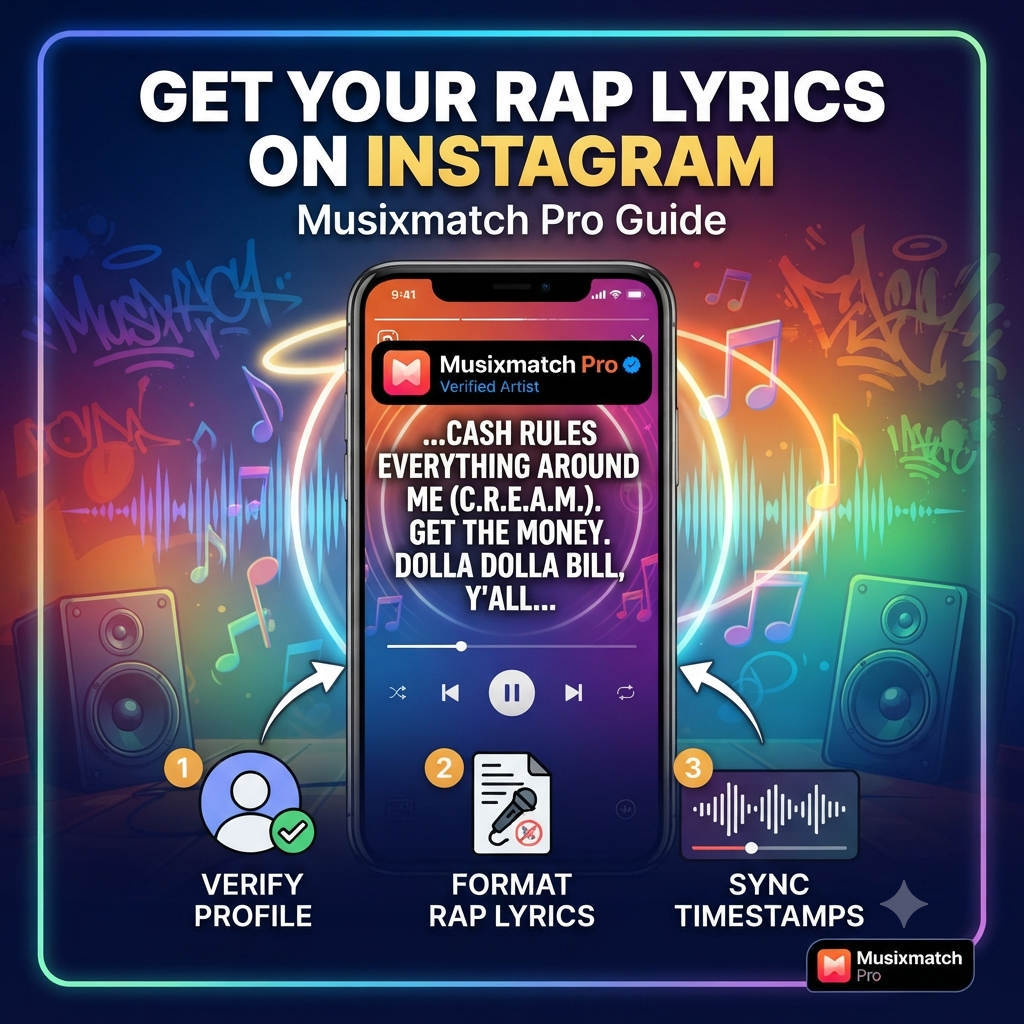
Below is the exact breakdown of how to verify your artist profile on Musixmatch Pro, format rap verses without triggering their spam filters, and sync your timestamps down to the millisecond.
Before You Start: Check Your Distributor Settings
Before touching Musixmatch, make sure your music is actually live in Instagram’s audio library. Musixmatch only supplies the text and the timing data; your distributor (DistroKid, TuneCore, UnitedMasters, CD Baby, Amuse, etc.) supplies the actual audio file.
Log into your distributor dashboard, pull up your release, and verify that Instagram / Facebook is checked under your store deliveries. If you unchecked social media platforms to save a few bucks or skipped them during upload, Instagram will not have your audio to pair with your lyrics. Also, grab your track’s 12-character ISRC code while you are in there—you might need it later to match the exact master recording.
Step 1: Verify Your Artist Profile on Musixmatch Pro
You cannot edit or sync your own catalog properly using a regular listener account. You need official artist verification so your changes bypass the public queue and push straight to streaming partners.
-
Sign Up for Musixmatch Pro: Go to pro.musixmatch.com and create an account. Use a professional email connected to your artist project or management—avoid burner emails, as they often get flagged during manual review.
-
Search and Claim Your Artist Page: Type your rap name into the search bar during onboarding. Pay close attention here: if you share a name with three other artists, click through the profiles and match the one showing your actual Spotify or Apple Music releases.
-
Connect Your Official Accounts: Musixmatch needs proof that you are the artist or represent them. Connect your Spotify for Artists or Apple Music for Artists account directly through their prompt, and link your official Instagram handle.
-
Wait Out the Approval Window: Verification usually clears within 24 to 72 hours. Once they approve you, every track distributed under your artist profile will show up inside your Musixmatch Pro dashboard automatically.
Step 2: Format Your Rap Lyrics Properly (Especially Explicit Bars)
Hip-hop is notoriously tricky for lyric databases. Between fast cadences, layered ad-libs, slang, and uncensored profanity, rap tracks get rejected by automated moderation tools more than almost any other genre. If you copy-paste straight from your Notes app or Genius, your submission will likely stall.
Stick to these exact formatting rules when pasting your lyrics into the Musixmatch editor:
-
Do Not Self-Censor Profanity: Never type
f***ors***with asterisks or symbols. Write the exact word you said in the booth. Instagram decides whether to block or allow explicit lyrics based on the “Explicit” tag your distributor attached to the audio file, not by reading asterisks. Altering the spelling creates a mismatch between the audio and the text, which holds up approval. -
Write Out Every Single Repetition: Never take shortcuts like
(Hook x2)or(Repeat 4x). If you say the same four bars twice on the chorus, paste all eight lines out in full. The timestamp tool needs one line of text for every line of vocal audio. -
Put Ad-Libs and Tags in Parentheses: Keep producer tags, background hype vocals, and ad-libs on the same line inside parentheses. For example:
Pull up to the studio late night (yeah, let's go). Do not put them on separate lines unless they happen during a completely empty bar where nobody is rapping. -
Delete All Section Headers: Strip out
[Intro],[Verse 1],[Chorus], or[Outro], and remove featured artist labels like(feat. Artist Name)inside the lyric sheet. Musixmatch wants pure spoken words only. -
Keep Your Line Breaks Short: Break your lines where you naturally take a breath or end a bar—usually around 4 to 8 words per line. If you cram two full bars onto one line, the text shrinks down tiny inside Instagram’s Story sticker and looks terrible on a phone screen.
-
Watch Your Capitalization: Capitalize the first word of every new line and proper nouns (names, cities, brands), and keep everything else lowercase. Typing an entire verse in ALL CAPS will get your submission bounced immediately.
Step 3: Sync Line-by-Line Timestamps for Scrolling Stickers
Uploading plain text only gets your static lyrics onto platforms like Google search. To unlock the moving, kinetic lyric stickers on Instagram Stories and Reels, you have to sync every line to the beat.
-
Launch the Sync Editor: Open your track inside Musixmatch Pro, paste your clean lyrics, and click Sync Lyrics.
-
Tap on the First Syllable: Hit play on the track. The exact split-second your voice hits the very first syllable of a line, press the Down Arrow on your keyboard (or click the sync button). Do not wait until the end of the line—timestamps mark when the line starts.
-
Handle Fast Flows and Beat Switches Carefully: Rap vocals move way faster than pop or rock singing. If you switch into a double-time pocket or rapid triplet flow, focus on locking in the downbeat of each new bar rather than panicking and tapping early. Once you finish the whole song, go back and use the
-0.1sand+0.1snudge buttons to tighten up any line that feels slightly behind or ahead of the snare. -
Tag Instrumental Sections: If your beat rides out for 8 bars in the intro, drops out for a beat switch, or plays an extended outro with no vocals, insert an Instrumental tag. Otherwise, your last bar will stay frozen on the screen awkwardly while the beat plays empty.
-
Submit Your Sync: Play the track back from top to bottom inside the preview window to make sure the text highlights match your delivery. Hit Send, and give Musixmatch 24 to 72 hours to push the synced file over to Meta.
Why Your Lyrics Still Might Not Show Up (And How to Fix It)
Sometimes you do everything right, wait three days, open Instagram Stories, and the lyric sticker still says “No lyrics available for this song.” When that happens, it is almost always one of three snags:
| Problem | What Went Wrong | Quick Fix |
| ISRC Code Mismatch | You uploaded a single version first, then re-uploaded the same song on an album with a different ISRC code. | Check your distributor for the exact ISRC tied to the Instagram audio clip, and make sure you synced that exact version in Musixmatch Pro. |
| Clean vs. Explicit Conflict | Your distributor delivered the clean version to Instagram, or forgot to mark the explicit tag properly. | Double-check your metadata inside your distributor dashboard and ensure both clean and explicit versions are properly tagged. |
| Hidden Formatting Errors | A stray bracket, emoji, or censored word slipped into the lyric sheet and triggered an automated hold. | Re-open the track in Musixmatch Pro, scan every line for symbols or brackets, clean them out, and hit save again. |
Once your lyrics are live, make a habit of sharing a Story with the lyric sticker turned on the morning your single drops. Fans are much more likely to repost a track when the punchlines are already right there on the screen for their followers to read.
Ready to Turn Social Shares Into Real Streams?
Put your lyric-driven records in front of active hip-hop streamers. Submit via our Music Submission Portal.