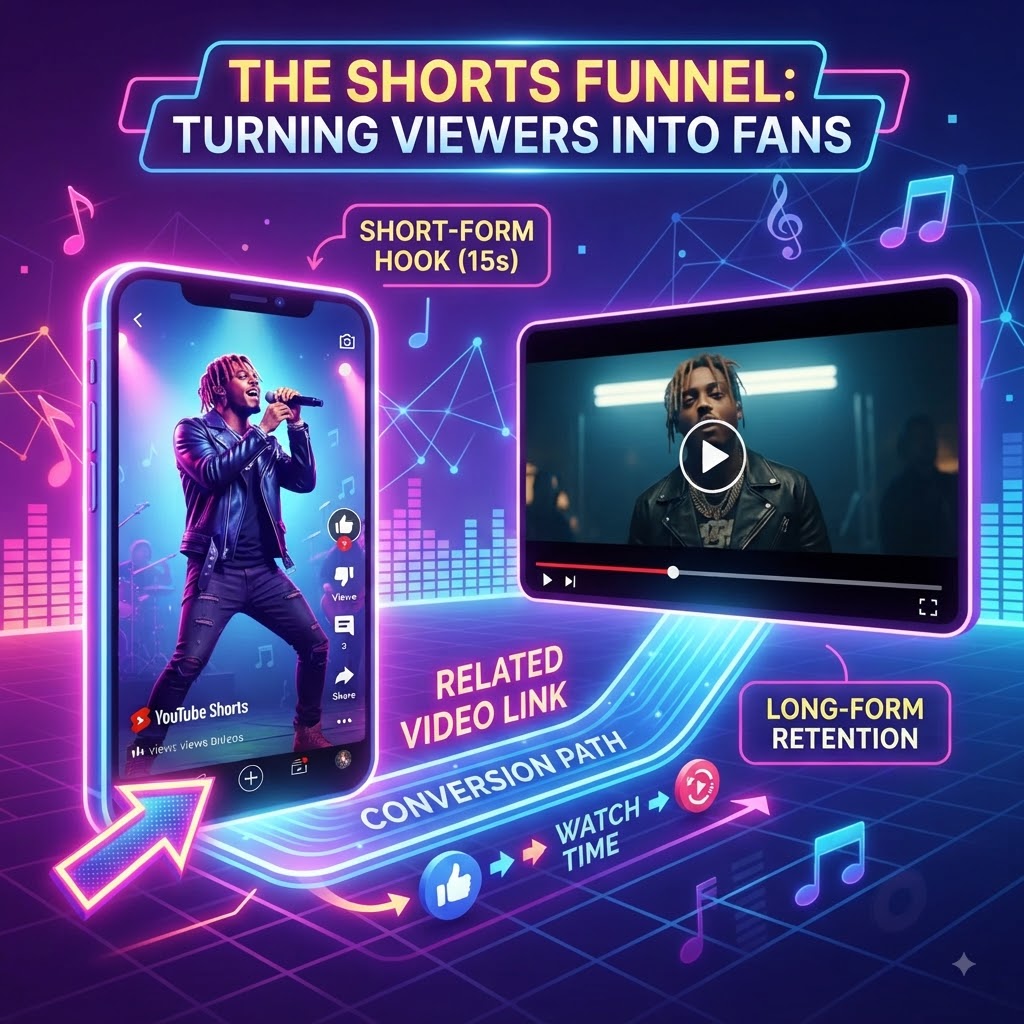
The YouTube Shorts “Related Video” Funnel: How to Turn Casual Swipers into Full-Length Viewers
If you’re pouring energy into YouTube Shorts to promote your music, you’re probably familiar with the bittersweet high of racking up thousands of views—only to realize it isn’t translating into long-term channel growth. Millions of people swipe through your clip, vibe to the hook, and then vanish into the algorithm abyss.
The biggest bottleneck in short-form content has always been bridging that gap. Viewers in the Shorts feed are in a rapid consumption trance, and burying a link in the description or comments isn’t going to break it.
That’s why the YouTube Shorts “Related Video” feature is a game-changer. Used right, it’s a direct on-ramp that funnels vertical swipers straight into your official music video, driving real watch time and keeping momentum alive.
What Actually Is the “Related Video” Feature?
It’s a native tool inside YouTube Studio that lets you anchor a clickable horizontal video link directly to the bottom of any Short.
When someone watches your vertical clip, that link sits right above your channel name. It’s clean, it’s frictionless, and it gives anyone who wants more than a 15-second teaser a one-tap way to dive into the full track.
The Blueprint: How to Build the Funnel
Getting clicks doesn’t happen by accident. You have to treat your Short as the trailer and your long-form video as the main event. Here is how to set it up:
1. Pick the Golden Hook
Don’t just chop up a random verse. Lead with the absolute strongest part of the track—the climax, the beat drop, or the most addictive vocal run. Your Short needs to grab them instantly before they have a chance to thumb-swipe away.
2. Create an Open Loop
Leave them wanting more. Let the track cut off right as the energy peaks, or time your edit so the loop resets naturally. Pair it with an on-screen prompt like, “Hear the full mix below.”
3. Connect the Dots
Once your Short is live, go into YouTube Studio and attach your full-length video using the Related Video setting.
Because mobile short-form scrollers into full channel watch-time by backing your primary link with our proven ecosystem, your content stops leaking potential fans and starts building a real audience.
Pro Tips for Better Conversions
-
Keep it matched: Don’t bait-and-switch. If your Short features a specific remix or acoustic version, link directly to that exact video—not a generic playlist.
-
Guide the eye: A subtle arrow or text cue pointing toward the bottom left of the screen can drastically increase tap-through rates.
-
Kill the intro: When someone clicks over from a Short, they expect immediate payoff. Make sure your long-form video skips the fluff at the start so you don’t lose them the second they arrive.
🎬 Convert Shorts to Video Views: Scale your official channel watch time. Submit your link to our curated platform and turn casual scrollers into dedicated long-form supporters today.