Why Is My Song Not Eligible for Monetization on SoundCloud? (Fixing Leased Beat Flags)
You finish a track, export the master, and upload it to your SoundCloud for Artists dashboard. You check all the boxes, hit submit for monetization, and wait for the plays—and royalties—to roll in.
Then comes the email every independent artist dreads: “Not Eligible for Monetization.”
If you are stuck asking, “Why is my song not eligible for monetization on SoundCloud?”, you are far from the only one pulling your hair out over this. In 9 out of 10 cases, the culprit isn’t your lyrics, your mix, or your account standing—it’s the beat you leased.
Renting instrumentals through platforms like BeatStars, Airbit, or Traktrain is the backbone of modern hip-hop, trap, and R&B production. But the moment you try to monetize a track built on a non-exclusive lease, you run headfirst into SoundCloud’s automated rights enforcement system.
Here is a breakdown of why SoundCloud’s system flags non-exclusive beats, how the technology works under the hood, and the exact steps to clear your catalog so you can get paid.
Why SoundCloud Rejects Non-Exclusive Beat Leases
SoundCloud operates under strict copyright and digital rights management (DRM) rules. To enable Premier monetization (or distribute through SoundCloud for Artists), you must prove that you hold 100% of the commercial rights to the audio master or have explicit authorization from the copyright holder.
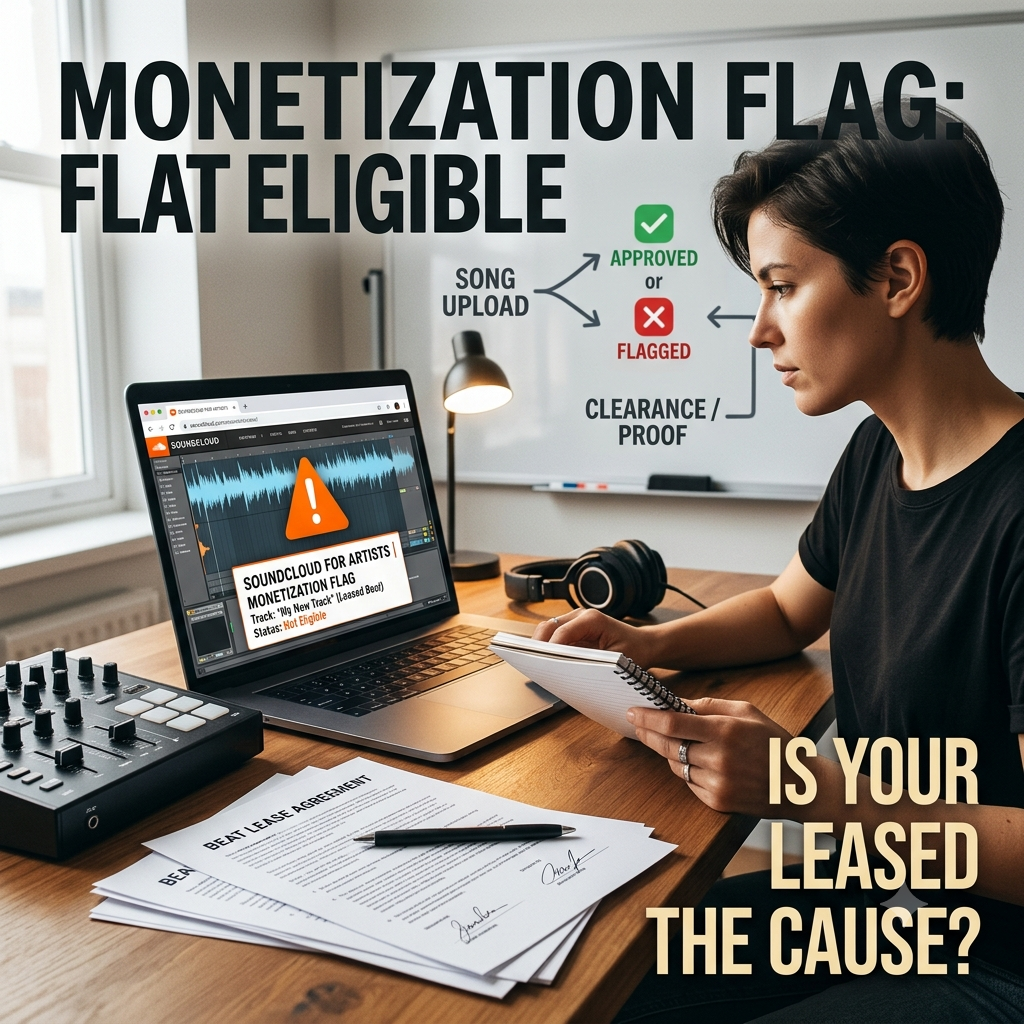
When your track gets slapped with an “Ineligible” tag, it comes down to a clash between automated audio fingerprinting and non-exclusive licensing terms.
[ Producer Uploads Beat ] ──► [ Enrolls in Content ID / Fingerprint Database ]
                                              │
[ Artist Leases Beat ] ──────► [ Uploads Song to SoundCloud ]
                                              │
                                              ▼
                        [ System Detects Matching Waveforms ]
                                              │
                                              ▼
                    ❌ MONETIZATION FLAG / INELIGIBILITY HOLD
1. Automated Waveform Matching (Content ID Collisions)
SoundCloud doesn’t have a team of humans sitting in a room listening to every submission. Instead, they rely on automated fingerprinting algorithms—powered by scanners like Audible Magic—to screen every upload.
When you submit a song for monetization, the algorithm scans your track’s audio waveform and checks it against a global database of registered music. If your beat was built using a popular sample pack, or if the producer enrolled the beat into an automated Content ID program (like YouTube Content ID or Meta’s Rights Manager), the system instantly detects a match.
The scanner doesn’t care that you bought a $30 MP3 lease. It simply sees two identical waveforms and assumes you uploaded someone else’s copyrighted property without permission.
2. The Conflict: Exclusive Rights vs. Non-Exclusive Leases
Monetization scanners require exclusive audio fingerprints to automatically collect revenue. If ten different artists use the same audio file, the system cannot determine who should get paid.
-
Exclusive Leases: You buy the sole rights to the instrumental. No one else can purchase or license it after you. Because you control the master audio, fingerprint scanners can cleanly attach your metadata to that sound file.
-
Non-Exclusive Leases: The producer retains ownership and can sell the exact same beat to hundreds—or even thousands—of other rappers and singers.
Because non-exclusive leases result in dozens of songs sharing identical backing tracks, SoundCloud freezes monetization on all of them to avoid copyright disputes and improper royalty payouts.
3. Producers Enrolling Beats into Content ID Systems
This is the most frustrating scenario for indie artists. Sometimes, a producer accidentally (or intentionally) submits an instrumental to a digital distributor with Content ID collection turned on.
Once that beat enters the global fingerprint database, every single artist who leased that beat will get flagged the second they try to monetize their finished song. Unless the producer manually whitelists your track or removes the beat from Content ID, automated monetization engines will block your upload every time.
How to Clear Flagged Catalog Tracks on SoundCloud
Getting flagged is a headache, but it doesn’t mean your track is dead in the water. If your beat lease agreement explicitly grants commercial streaming rights, you can appeal the flag and manually verify your license through SoundCloud for Artists.
Here is the step-by-step process to resolve monetization holds on your catalog tracks:
Step 1: Audit Your Lease Agreement
Before you write an appeal to support, pull up the PDF contract you received when you purchased the beat. You need to verify three crucial terms:
-
Streaming Caps: Check your stream limit. Standard basic leases often cap commercial streams at 10,000 to 50,000 plays. If your track blew past that limit, your lease is technically void until you upgrade to a higher tier or unlimited lease.
-
Commercial Monetization Rights: Ensure the contract explicitly states that you have the right to monetize audio on digital streaming services (DSP) like SoundCloud, Spotify, and Apple Music.
-
Content ID Restrictions: Look for a clause regarding Content ID. Most standard leases state that neither the artist nor the producer is permitted to register the song with automated Content ID scanners.
Step 2: Contact the Producer
If your audit reveals that the beat itself is triggering a Content ID match, reach out to the producer immediately.
Send them a polite email with your receipt and contract attached. Ask them if they have enrolled the instrumental into YouTube Content ID, Meta Rights Manager, or an admin publisher system. If they have, ask them to either:
-
Whitelist your specific track URL and ISRC code so your upload passes the automated scan.
-
Opt out of automated Content ID collection for that beat across non-exclusive tiers.
Step 3: Resubmit Rights Documentation to SoundCloud
Once your paperwork is in order and any Content ID issues are sorted out with your producer, you can submit an official clearance request directly through your dashboard.
-
Log into your SoundCloud for Artists account.
-
Go to the Monetization tab and select the flagged track.
-
Click Resubmit (or Edit Monetization Status).
-
When prompted for proof of rights, upload a full copy of your signed PDF Beat Lease Agreement along with your Proof of Purchase (your PayPal receipt or invoice from BeatStars/Airbit).
-
In the notes box, write a brief explanation confirming that you hold a valid, non-exclusive commercial license for the backing instrumental.
-
Submit the appeal.
Manual reviews usually take anywhere from 3 to 7 business days. Once a SoundCloud support agent verifies your documentation, the monetization flag will be cleared, and your track will start earning revenue.
Bypassing Distribution Monetization Freezes
Dealing with support tickets, manual license reviews, and producer back-and-forths can take weeks. While your track sits locked in “Monetization Pending” status, your release window is actively slipping away.
algorithmic streaming revenue on platforms like SoundCloud or Spotify yields modest payouts per play early on. If your primary strategy relies entirely on automated monetization payouts, a single copyright flag can halt your momentum.
Smart independent artists treat streaming monetization as a passive bonus rather than their sole strategy. Instead of putting your career on hold while waiting for clearance algorithms to approve a $0.003-per-stream payout, pivot your energy toward driving real listeners to your catalog.
When you bypass distributor monetization freezes and focus on organic audience acquisition through our subgenre-specific hip-hop playlisting channels, you build a real fan base that streams your music because they genuinely love it. That organic traction translates into direct fan support, merch sales, and concert tickets—giving you full control over your career while your backend paperwork clears up.
Build Your Fanbase Without Waiting for Clearance
Stop letting automated algorithms dictate when your music gets heard. Land your sound directly in front of targeted subcultures. Apply via our Playlisting and Music Promotion Hub.