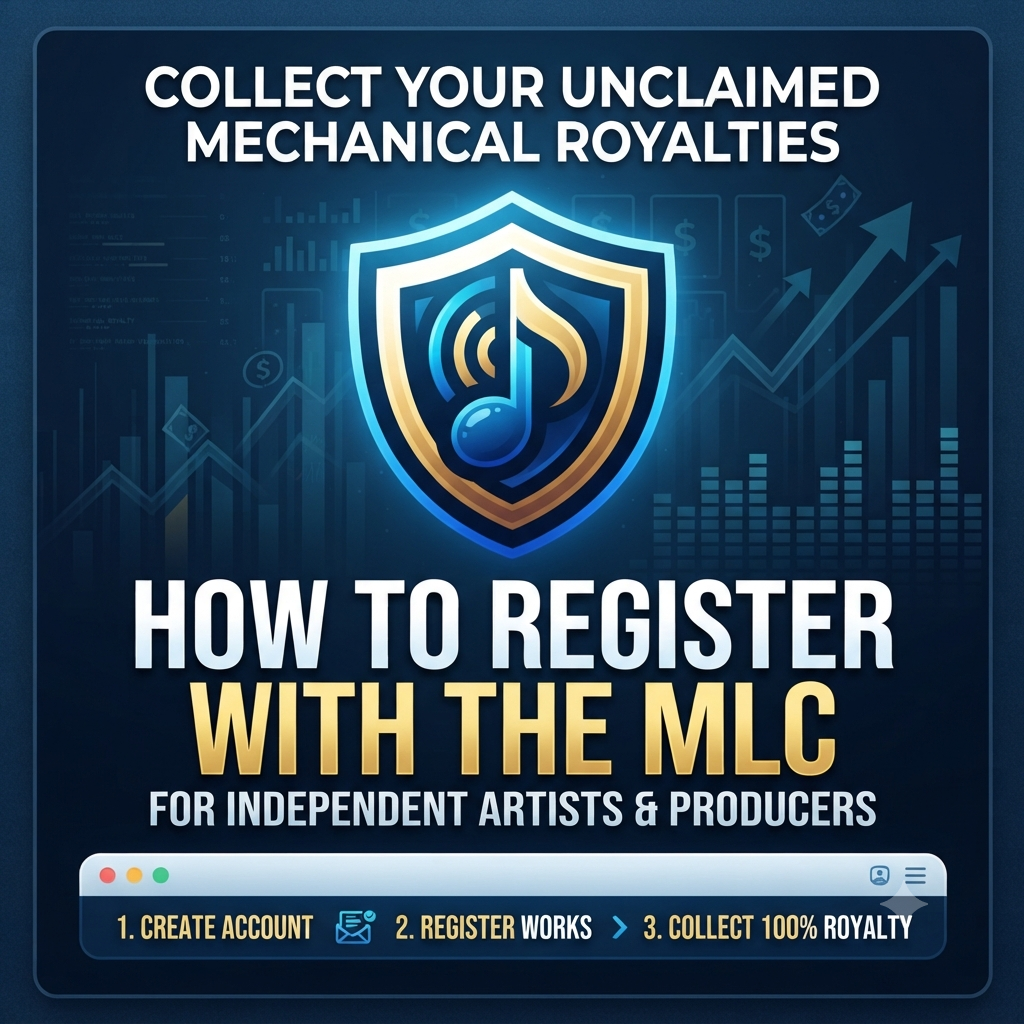
How to Register with The MLC as an Independent Artist (And Keep 100% of Your Royalties)
Most independent artists leave half their streaming money on the table without realizing it. If you drop music through DistroKid, TuneCore, or UnitedMasters, your distributor only pays out your master recording royalties. That covers the audio file itself. Every single time a listener hits play on your song on Spotify, Apple Music, or Tidal in the United States, that stream generates a second payout: a digital mechanical royalty for the underlying composition—your lyrics and the beat.
For years, independent MCs and producers missed out on these payouts unless they signed up with a third-party publishing administrator. Those companies usually take a 15% to 20% commission just to collect money that already belongs to you. You do not need a middleman anymore. Knowing how to register with The MLC as an independent artist takes about twenty minutes, costs nothing, and puts 100% of your US interactive streaming mechanicals straight into your bank account.
What Is The MLC and Why Does It Matter for Independent Artists?
The Mechanical Licensing Collective (The MLC) is a non-profit organization created under the Music Modernization Act. Designated by the U.S. Copyright Office, its entire job is to collect digital audio mechanical royalties from streaming platforms and distribute them directly to songwriters, composers, and self-published artists.
Here is the part most newcomers miss: The MLC charges zero commission fees. Because the major streaming platforms (DSPs) fund The MLC’s operating costs by law, membership is completely free for creators. When you set up your account directly, nobody takes a cut off the top. You keep every dollar your songwriting earns in the United States.
It is also worth noting what The MLC does not do. It does not replace your Performing Rights Organization (PRO) like ASCAP, BMI, or SESAC. Your PRO collects performance royalties (radio play, live venues, and the performance side of streaming). The MLC strictly handles digital mechanical royalties from US interactive streams and downloads. To get paid everything your music earns, you need both.
What You Need Before You Open the Portal
Nothing kills momentum faster than getting halfway through a music business application and realizing you do not have your paperwork ready. Before you sit down to create your profile, pull together these four items:
-
Your Legal Name and Artist Alias: The MLC needs your government name for tax verification and banking, alongside the stage name or producer tag you release music under.
-
Tax Details: A Social Security Number (SSN) or Employer Identification Number (EIN) if you are based in the US. If you live outside the United States and earn royalties from American listeners, you will fill out an electronic W-8BEN form during setup.
-
Your PRO IPI Number (Recommended): Your 9-to-11-digit Interested Parties Information (IPI) number from ASCAP, BMI, or SESAC. While you can technically join The MLC without a PRO, plugging in your IPI number makes matching your catalog much smoother.
-
Clean Track Metadata: A list of your released songs, release dates, ISRC codes (grab these from your distributor dashboard), and the exact ownership percentages for every producer and co-writer on each record.
Step-by-Step: How to Register with The MLC as an Independent Artist
Step 1: Set Up Your Member Login
Go to themlc.com and click the Connect to Collect button in the top corner. Follow the prompts to register as a new member. You will verify your email address and set up two-factor authentication. Since this portal connects directly to your bank account, use a strong password and store your recovery codes somewhere safe.
Step 2: Pick the Right Membership Role
During onboarding, The MLC asks how you operate in the music business. Choosing the wrong option here can delay your payouts, so pick the exact category that fits your setup:
-
Self-Administered Songwriter: Choose this if you write your own lyrics, produce your own beats, and do not have a publishing company or publishing admin collecting on your behalf. Even if you have never registered an LLC, you count as your own publisher in the eyes of The MLC.
-
Publisher / Administrator: Only choose this option if you have officially formed a publishing entity (like an LLC or corporation) that administers copyrights for yourself or a roster of other songwriters.
Step 3: Fill Out Your Tax and Banking Info
Once inside the member portal, click over to the Payment & Tax section. Complete your W-9 (US residents) or W-8BEN (international artists) right inside the browser. Next, link a checking account using ACH direct deposit. The MLC pays out every month once your account hits the $5 minimum threshold for direct deposit. Paper checks require a much higher balance and take longer to clear, so stick with direct deposit.
Step 4: Register Your Songs (Musical Works)
Now comes the most important part of the process. Open the Works tab and select Register a Work. You will enter the official song title, any alternate titles (such as “feat.” or clean/explicit variations), and assign your ownership shares.
-
If you did everything solo: If you wrote the rhymes and made the beat from scratch, list yourself as both the Writer (100%) and the Publisher (100%).
-
If you worked with a producer or co-writer: Enter your exact split. For example, on a standard 50/50 split with a beatmaker, list yourself at 50% Writer / 50% Publisher, then add the producer’s legal name and IPI number for the remaining 50%. Make sure your numbers match what the other person enters on their end, otherwise The MLC will hold the disputed share until you both agree.
Step 5: Link Your Sound Recordings
Registering the song title alone will not trigger a payout. You have to connect that composition to the actual audio file streaming on Spotify and Apple Music. Head to The MLC’s Matching Tool and search for your release using your ISRC code or artist name. Once your single or album pops up, link it directly to the musical work you just registered in Step 4. Doing this tells The MLC which streaming numbers belong to your publishing account.
Step 6: Hunt Down Unclaimed Back-Royalties
Before The MLC officially launched in 2021, streaming services sat on hundreds of millions of dollars in unmatched mechanical royalties because they did not know who owned the publishing rights. After your catalog is registered and matched, check the Claiming tab inside your dashboard. You can search The MLC’s public database of unmatched recordings to claim back-royalties from streams your older tracks generated before you signed up.
Three Mistakes That Freeze Independent Royalty Payouts
Even after setting up an account, independent artists regularly block their own checks by overlooking small details in their metadata. Watch out for these common traps:
| Common Mistake | How It Hurts Your Wallet | The Fix |
| Stacking a Distributor Publishing Admin | Opting into DistroKid Publishing or TuneCore Publishing hands over 15%–20% of your mechanicals and locks your songs into a contract term. | Skip distributor publishing add-ons and register your catalog directly with The MLC for free. |
| Guessing Beat Splits | If you claim 100% of a song but your producer claims 50%, The MLC freezes the disputed funds until the conflict is resolved. | Sign a basic one-page split sheet with every producer and featured artist before release day. |
| Forgetting to Match New Singles | Uploading a track to Spotify does not automatically link it to your MLC profile. | Log into The MLC during release week and match every new ISRC code to your registered work. |
Turn Your Metadata Into Consistent Income
Getting your publishing administration locked in is one of the smartest backend moves you can make as an independent artist. Once your royalty pipeline is hooked up properly, every playlist placement, blog feature, and social media push works twice as hard for your bank account. Take twenty minutes to register your catalog today so you can ensure you collect every dollar of mechanical royalties while scaling streams via our rap promotion strategies.
Ready to Push Your Next Release?
Back up your releases with a multi-channel rollout. Order via the Full Artist Submission Form.