The MC’s Playbook to Deezer for Creators: Profile Setup, Highlights, and European Tour Routing
If you’re an independent MC laying out your release strategy, chances are most of your energy (and marketing budget) goes straight into Spotify and Apple Music. That makes total sense—they’re massive. But if you’re completely ignoring Deezer, you’re leaving a massive chunk of dedicated, high-paying listeners on the table, especially across Europe.
Deezer is a heavy hitter in countries like France, Germany, Brazil, and parts of the UK. For independent hip-hop artists, it’s one of the best platforms to build a localized overseas fan base without having to compete in the overcrowded noise of standard US-centric algorithms.
However, dropping your tracks via DistroKid or TuneCore and walking away isn’t going to cut it. If casual listeners land on a blank page with no headshot, an outdated bio, and no clear focus track, they’re going to bounce. You need a fully configured Deezer for Creators artist profile setup to turn those short streaming impressions into lifelong fans, merch buyers, and live event attendees.
Here is the step-by-step breakdown on how independent rappers can claim their Deezer profile, style their page, and read backend geo-analytics to map out profitable overseas show dates.
Step 1: Claiming Your Official Deezer Artist Status
First things first: you can’t customize anything until Deezer knows you actually own the music. Getting verified gives you that official artist checkmark, unlocks your profile editor, and opens up real-time stream tracking on both desktop and mobile.
How to Get Verified Fast
-
Head to the Portal: Go to creators.deezer.com and click on the sign-up link.
-
Choose Your Account Type: Select An Artist and register with a professional email address you check regularly.
-
Submit Your Catalog Identifiers: To stop impostors from claiming random pages, Deezer requires proof. You’ll need to enter your official Artist Name exactly as it appears on streaming platforms, along with a valid UPC (Universal Product Code) from one of your live releases where you are listed as the primary artist. You can copy this UPC straight from your digital distributor dashboard.
-
Link Your Socials: Add your official Instagram, X, or website links. The verification team cross-checks these to approve your request faster.
Approval usually takes anywhere from a few days to a week. Once you’re in, download the Deezer for Creators app on your phone so you can monitor stats on the go.
Step 2: Optimizing Profile Branding and Pinning Highlights
In hip-hop, aesthetics and story matter just as much as the music itself. A bare profile screams amateur, while a polished page builds immediate authority. When someone stumbles onto your track via a daily mix, your profile needs to look like a main-stage artist’s hub.
Visual Specs & Bio Guidelines
-
Profile Image: Upload a sharp, high-resolution square photo (at least 1200x1200px). Avoid grainy screenshots or low-light performance shots where your face is completely hidden.
-
Header Banner: Use a clean, horizontal press shot or artwork from your latest era. Make sure key details (like your face or logo) aren’t cut off on mobile screens.
-
The Bio: Skip the generic, high-school-essay style intro. Keep it concise, focused, and engaging. Mention your specific subgenre (whether that’s gritty underground boom-bap, melodic trap, or UK drill), highlight notable producer credits, drop any major co-signs, and briefly touch on your latest project.
Utilizing the Highlight Feature
One of Deezer’s best features is the Highlight slot. This allows you to pin a specific single, project, or custom playlist right at the top of your profile page, sitting above the rest of your discography.
-
New Single Launch: When dropping fresh material, pin the new single immediately to capture incoming traffic.
-
Album Rollout: If you’re gearing up for a project, pin a pre-save link or the lead video track.
-
Curated Playlists: If you aren’t actively dropping new songs, pin a custom “Inspired By” or “Best Of” playlist featuring your own tracks alongside your biggest influences.
Step 3: Using Geo-Analytics to Route European Micro-Tours
This is where the real business happens. Most independent rappers dream of touring overseas, but booking a multi-city European tour based on guesswork is an easy way to lose thousands of dollars on flights and hotels.
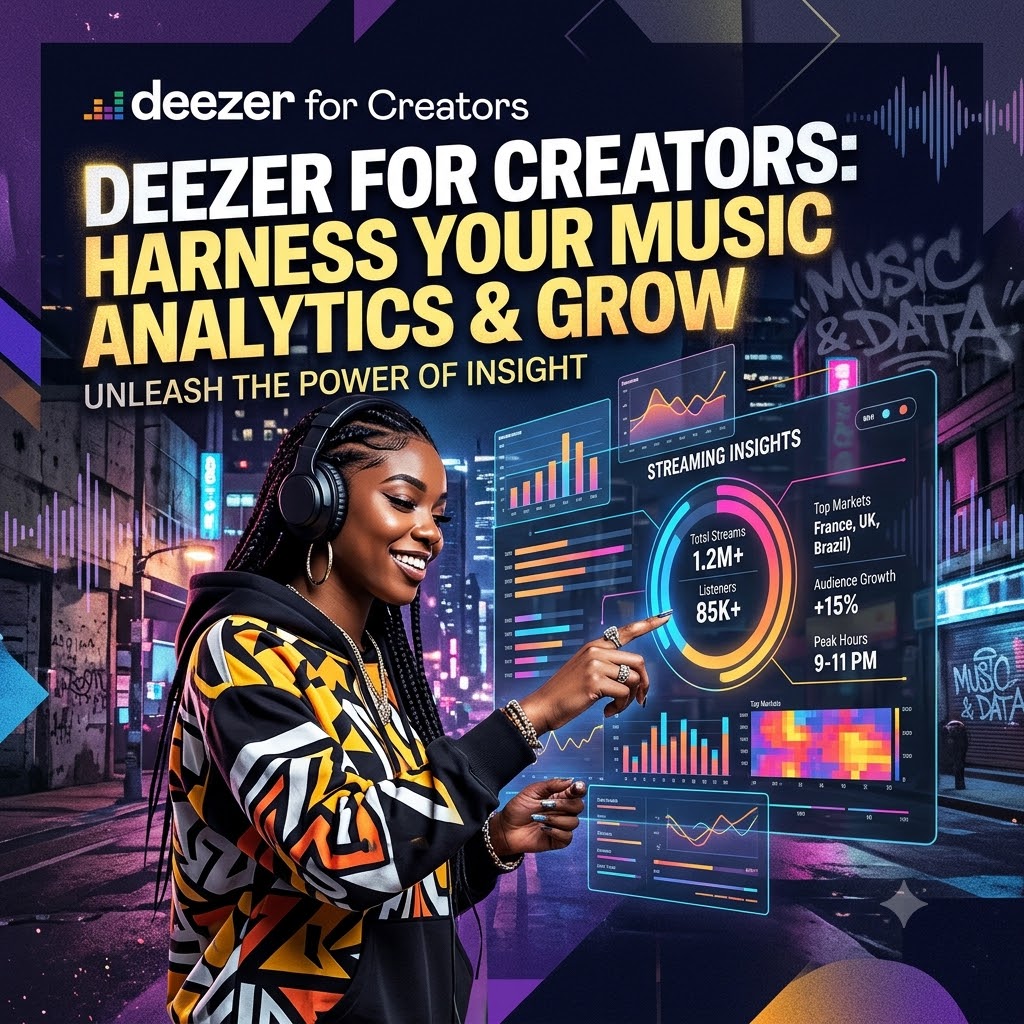
Deezer for Creators provides hyper-specific geographical demographic data that reveals exactly where your music is organic pulling numbers.
Reading the Map
Inside your analytics dashboard, navigate to the audience breakdown tab. Instead of just looking at your total stream count, look closely at Top Cities and Country Splits.
It’s extremely common for English-speaking MCs to build unexpected pockets of listeners in cities like Paris, Berlin, Amsterdam, or Zurich due to regional hip-hop curation.
Turning Data into a Tour Itinerary
-
Spot Your Clusters: Look for 3 to 5 cities in close geographical proximity that show consistent, week-over-week streaming volume.
-
Examine Demographics: Check the age range and gender split in those specific markets. If your Berlin listeners are predominantly 18–24, you know to target smaller, underground club venues rather than seated theaters.
-
Pitch Promoters with Proof: When reaching out to independent booking agents or venue talent buyers in those cities, don’t just say “I have a lot of fans.” Send screenshot proof of your Deezer geo-analytics showing active, concentrated listener density right in their market. Promoters are far more likely to take a risk on an independent artist when the data proves tickets will sell.
Step 4: Driving Traffic with Targeted Playlisting
Having a pristine, verified profile with great analytics is an essential foundation, but you still need a consistent pipeline of new listeners discovering your music in the first place.
While Deezer’s internal recommendation engine will eventually pick up on fan activity, combining algorithmic streams with active independent playlisting gives you the best chance of scaling rapidly. To maximize your reach, pair your overseas analytics with active playlist placements across our subgenre-specific hip-hop playlisting channels. Feeding your catalog into established rap networks creates the initial spike in listener activity that triggers Deezer’s internal recommendations, driving more fans back to your freshly optimized profile.
Quick Reference Checklist
| Profile Element | Action Required | Key Outcome |
| Artist Verification | Submit UPC & active social links | Earns official badge & backend data access |
| Page Styling | Upload 1200x1200px photo & header | Creates a professional, credible aesthetic |
| Pinned Highlight | Lock your lead single to the top | Converts casual visitors into stream counts |
| Geo-Data Audit | Filter streams by city & country | Identifies real markets for show routing |
Ready to Put Your Music in Front of Real Hip-Hop Fans?
Stop waiting around for algorithms to notice your catalog. Get your tracks heard by active rap listeners, blog editors, and playlist curators worldwide.