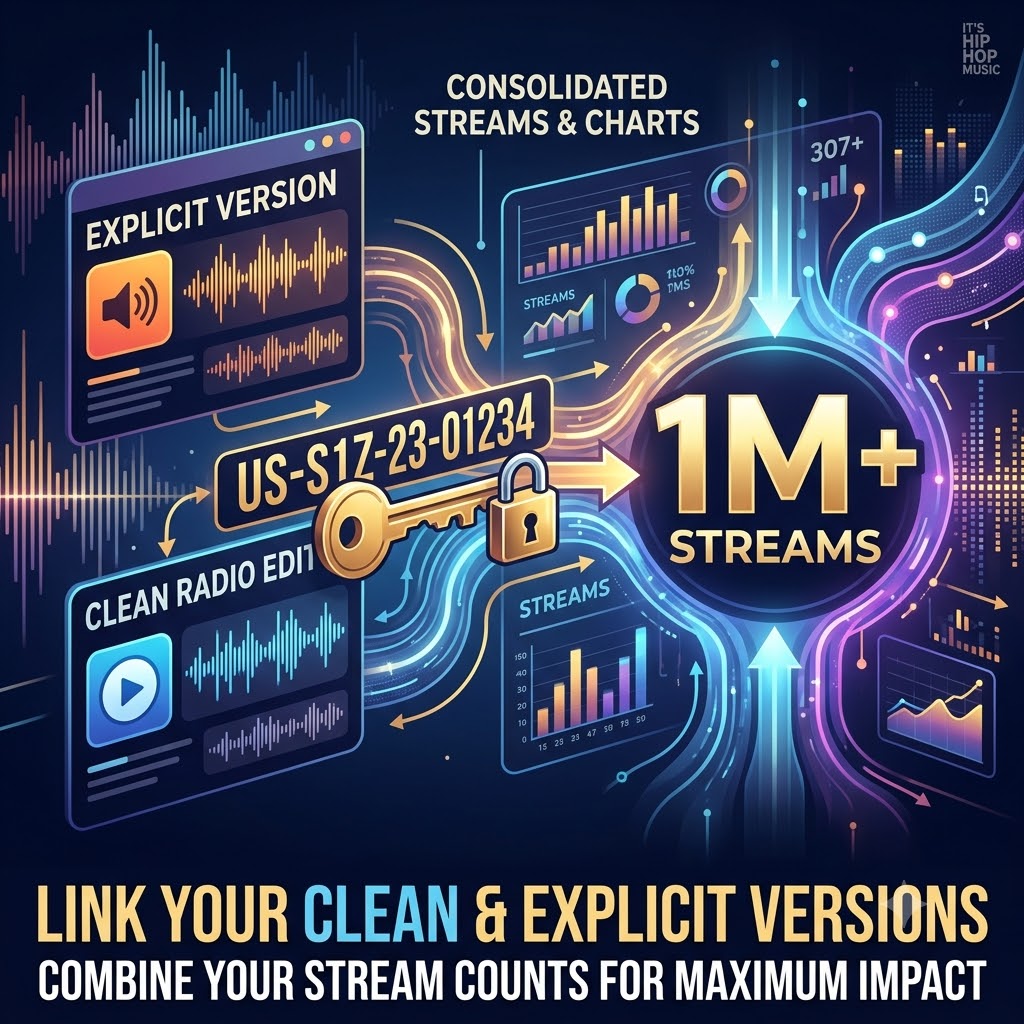
How to Distribute Clean Radio Edits Without Splitting Your Spotify Stream Counts
Dropping both explicit and clean versions of a track is pretty much mandatory if you’re serious about making moves in music today. If you’re pushing hip-hop, R&B, or mainstream pop, a clean edit isn’t just an afterthought—it’s your ticket onto terrestrial radio stations, sync placements in TV and film, retail overhead playlists, and curated gym mix networks.
Yet, far too many independent artists and boutique label managers fall into a frustrating trap: they upload a radio edit, only to watch Spotify and Apple Music treat it as a completely unrelated song. Instead of piling all your plays onto one single leaderboard, your stream counts get sliced down the middle.
When your metrics are split, your chart placement suffers, your algorithmic momentum stalls, and your chances of landing on major editorial playlists plummet.
The good news? You don’t have to choose between clean airplay and clean streaming numbers. By leveraging proper ISRC metadata mapping, precise audio alignment, and standard formatting conventions, you can ensure DSPs group both cuts under a single parent release. Here is exactly how to pull it off.
The Root Problem: Why Spotify Splits Your Plays
To understand the solution, you have to look at how Digital Service Providers (DSPs) process uploaded files. Streaming platforms aren’t human music fans listening through your catalog; they are massive database engines running strict database ingestion scripts.
When you upload audio through an aggregator like DistroKid, TuneCore, CD Baby, or Venice Music, the backend system looks for specific identifiers to cluster identical or alternate audio masters together.
If your clean edit is uploaded with slightly different metadata, an off-beat audio duration, or an entirely isolated release package without proper parent tracking, Spotify’s algorithm assumes it’s looking at two completely different songs by two different artists.
Here is what that fragmentation actually costs you:
-
Shattered Leaderboards: 50,000 streams on an explicit track and 50,000 streams on a radio edit should look like a 100,000-stream single. Instead, you end up with two weak 50k listings that fail to crack regional charting thresholds.
-
Confused Recommendation Engines: Spotify’s algorithmic engines (Release Radar, Discover Weekly, and Radio stations) rely on concentrated listener data. Slicing listener retention across two distinct track IDs weakens the signals sent to the algorithm.
-
Editorial Friction: When pitching to Spotify for Artists or Apple Music for Artists, you want editorial curators to see a single, high-performing asset with undeniable momentum—not a fragmented discography.
To prevent this leakage, you need to configure your technical assets before pressing submit on your release form.
Step 1: Navigating the ISRC Code Dilemma
Your International Standard Recording Code (ISRC) acts as the unique digital fingerprint for every master recording you produce. When it comes to handling explicit tracks alongside their clean counterparts, artists run into two distinct scenarios depending on their distributor’s policy.
Option A: Re-Using the Same ISRC
Some distributors allow—and even encourage—you to assign the exact same ISRC code to both the clean edit and the explicit track, provided they are functionally identical in arrangement, mix structure, and master length. When two files share an identical ISRC, Spotify’s ingestion engine naturally merges their stream counts into a single line item on your profile dashboard.
Option B: Using Distinct ISRCs with Master-Child Metadata
Certain aggregators and legal territories require every edited audio file to hold its own distinct ISRC to maintain proper royalty collection and master rights accounting. If your distributor forces you to generate a second ISRC code for the clean edit, you must explicitly link the releases on the backend.
In your distributor’s portal, look for “Parent Release” or “Alternate Version” settings. Tagging the clean track as a derivative or alternate edit of the explicit parent track informs the DSP’s database that these two ISRCs belong to the same underlying song asset.
Step 2: Ensure Precise Audio Duration and Waveform Parity
Audio length is one of the primary checks automated ingestion bots run when validating alternate versions of a track. If your explicit master sits at 3 minutes and 14 seconds, but your clean edit comes in at 3 minutes and 08 seconds, most streaming algorithms will immediately reject any attempt to merge their data.
When preparing your radio edit in the studio, keep these audio matching guidelines in mind:
-
Keep the Running Time Identical: Your clean master should match the exact length of the explicit master down to the millisecond.
-
Avoid Chopping Beats: Never edit out explicit words by physically cutting sections out of the timeline. Chopping beats alters the total duration and disrupts the BPM grid, which ruins waveform parity.
-
Use Clean Audio Censoring Techniques: Reverse the audio on explicit syllables, mute the vocal track briefly while keeping the beat riding underneath, or drop in subtle sound design elements (like turntable scratches, tape stops, or subtle sound effects) to mask profanity without shortening the bar count.
-
Pad the Intro or Outro if Needed: If an edit accidentally alters the timing of a phrase, use ambient silence or extended instrumental padding at the tail end of the master file so both wave files clock in at the exact same overall duration.
Step 3: Standardize Track Titles and Tagging Formatting
Inconsistent track titles are the single most common cause of stream splitting among independent artists. A minor typo or an inconsistent bracket choice can cause DSP systems to treat your radio edit as a brand-new work.
When filling out metadata fields inside your distributor dashboard, consistency across every character is essential.
The Standardized Titling Blueprint
-
Explicit Version Title:
Track Title -
Clean Version Title:
Track Title (Clean)orTrack Title (Radio Edit)
Avoid mixing styles within the same release package. If your main track is titled "Late Night Calls", do not title the clean version "Late Night Calls - Clean Radio Version" on one platform and "Late Night Calls (Clean Edit)" on another. Pick one clean tag format and apply it identically across all metadata inputs.
Furthermore, double-check that all artist credits, feature tags, producer tags, writer names, and publisher details match character-for-character between both releases. Even a small difference—like listing a feature as ft. Drake on the explicit version and feat. Drake on the clean version—can cause the system to break the track link.
Step 4: Choose the Right Release Strategy (Single vs. Multi-Track Bundles)
How you bundle your files during submission plays a major role in how streaming services index your audio. You generally have two ways to push these edits to store shelves:
Strategy 1: The Multi-Track Single (Recommended)
The cleanest, most foolproof way to avoid split metrics is to submit a single package containing both versions right out of the gate.
Structure your tracklist as follows:
-
Track Title(Explicit) -
Track Title (Clean)(Non-Explicit)
When submitted as a single multi-track bundle, DSPs process both tracks within the same product container. Spotify naturally presents the primary version to the user while offering the clean edit seamlessly under the “1 More Release” or “Alternate Version” drop-down menu on the mobile and desktop apps.
Strategy 2: The Waterfall Strategy
If you drop the explicit single first and want to release the clean edit later to support a radio push, always import the existing explicit track into the new clean release package using its original ISRC. This keeps the initial stream momentum intact while attaching the new clean edit directly to the original release framework.
Consolidate Your Streams and Fuel Your Release
Getting your technical metadata right forms the foundation of a successful music distribution strategy. By ensuring your clean radio edits share the exact same runtime, standardized titling, and linked ISRC structure, you protect your hard-earned stream totals and give your music the best shot at climbing the charts.
Once your distribution metadata is locked in and your stream counts are consolidated, the next step is driving real, high-intent listeners to your unified releases. You can protect your consolidated stream metrics across both clean and explicit releases with our hip-hop playlist networks.