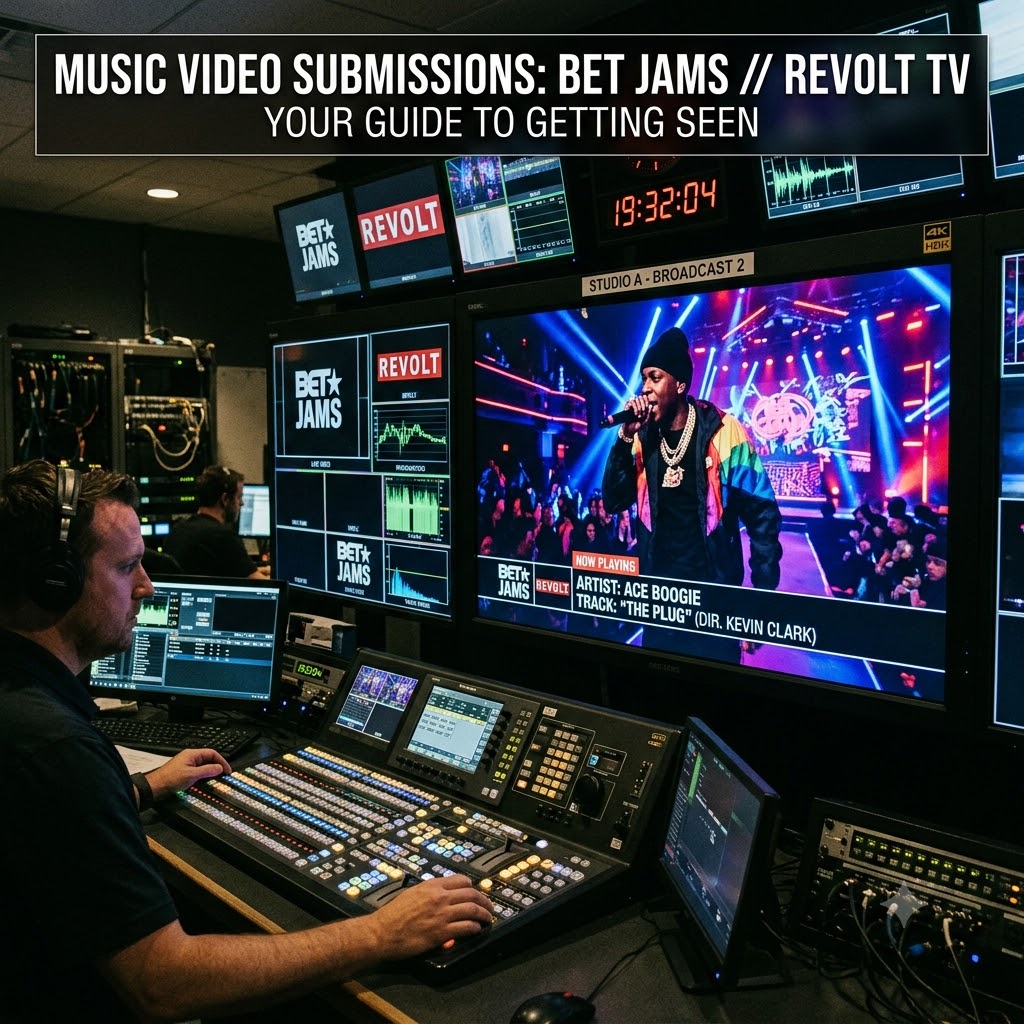
Getting a music video onto BET Jams or REVOLT TV is still one of the absolute biggest milestones for an independent hip-hop or R&B artist. Platforms like YouTube and TikTok are fine for steady releases, but television placement hits differently. It gives your brand instant industry legitimacy, puts your visual directly in front of major label executives, and forces tastemakers to take your team seriously.
That said, cable networks don’t operate like social media. You can’t just send over a Google Drive folder, export an MP4 from Premiere with default settings, or DM a video link to a producer on Instagram.
Broadcast networks have strict engineering rules, regulatory laws, and specific submission channels. If your video misses a technical spec by even a fraction, automated systems will reject it before a human programmer ever gets to hear your song.
Here is the step-by-step breakdown of how to prepare your video master to pass technical quality control (QC), how to structure your submission, and how to actually pitch network programming directors.
1. Getting Your Video Master Up to Broadcast Delivery Standards
Before you focus on pitching, your audio and video files need to be formatted correctly. Cable television operates under strict broadcast engineering rules. If you skip this part, your submission will fail the network’s automated Quality Control (QC) check immediately.
Audio Levels & Loudness Standards (-24 LKFS)
Internet audio is all about loudness—most YouTube videos and streaming tracks are smashed as loud as possible. Television is the exact opposite.
-
Target Loudness: Under the CALM Act, broadcast audio must be mixed and mastered to -24 LKFS/LUFS ($\pm 2.0$ LU) integrated loudness. If your track is mastered for Spotify or SoundCloud (usually around -8 to -12 LUFS), it is way too hot for TV and will fail QC instantly.
-
True Peak: Set your true peak ceiling so it does not exceed -2.0 dBFS.
-
Mono Compatibility: Run your mix through a mono utility to check for phase cancellation. Many older television setups, cable boxes, and hotel feeds sum audio channels down to mono. If your vocal or main snare disappears when collapsed to mono, you need to revisit the mix.
Video Containers, Codecs, and Resolution
Leave your web-compressed .MP4 files for social media. Cable networks expect high-bitrate master files that won’t degrade when passed through their transmission chains.
-
Format/Codec: The universal standard for broadcast delivery is Apple ProRes 422 (HQ) or DNxHD.
-
Resolution & Framerate: Standard 1080p is still the industry baseline. Export at 1920×1080 using native frame rates—typically 29.97 fps (or 59.94i interlaced for traditional broadcast specs) or 23.976 fps if shot natively in 24p.
-
Color Space: Stick strictly to Rec. 709. Make sure your black levels stay above 0 IRE (no crushed, super-black values) and your highlights don’t blow past 100 IRE (no super-whites). Broadcast systems flag illegal luma levels immediately.
-
Closed Captioning: Television networks are legally required to provide closed captioning. You’ll need an embedded CEA-608 / CEA-708 caption track or an accompanying
.SCC/.CAPsidecar file containing timed lyrics.
The Technical Slate & Head Structure
Your video file cannot start on the very first frame of music. Broadcast masters need standard “head” formatting before the visual begins:
-
Slate (5 to 10 Seconds): A static graphic screen containing key metadata:
-
Artist Name & Song Title
-
Album Title & Record Label
-
Director & Production Company
-
Version (e.g., Clean / Radio Edit vs. Explicit)
-
Total Run Time (TRT)
-
Audio Track Layout (e.g., Ch 1: Stereo Left, Ch 2: Stereo Right)
-
-
Black & Silence (2 Seconds): Exactly two seconds of pure black and complete audio silence right after the slate.
-
First Frame of Video (FFV): The actual music video begins.
2. Navigating Delivery Portals & Building Online Momentum
Major networks like Paramount (BET’s parent company) and REVOLT use specialized distribution asset-management hubs like Extreme Reach, Peach (formerly DMDS), or proprietary network submission ports. Independent artists usually access these hubs through licensed aggregator partners or direct network submission paths.
Here’s the catch: network decision-makers look at risk versus reward. Programming directors receive hundreds of video submissions every week, and they want to see proof that an artist already has real momentum before committing airtime to them.
Networking tip: Establishing solid digital numbers first makes your submission much easier to defend in network programming meetings.
Before reaching out to network reps, build up organic engagement and video traction online. Programmers are far more likely to approve a submission if they see strong performance metrics, high engagement rates, and active social discussion around the release. Many independent teams build the required online view validation before pitching television networks using our urban video promotion services. Having verifiable numbers gives music coordinators the confidence to put your visual into rotation.
3. How to Pitch Network Programming Directors Directly
Once your master file is fully prepped and your digital proof-of-concept is built, it’s time to pitch.
Draft a Direct, No-Fluff EPK Email
Programmers, video coordinators, and segment producers don’t have time to read long biographies. Keep your pitch email short, clean, and professional:
-
Subject Line: Keep it clear:
MUSIC VIDEO SUBMISSION: [Artist Name] - "[Song Title]" -
Streaming Link: Put a private, high-quality stream (unlisted YouTube link or Vimeo with password) near the top. Don’t attach heavy video files to the email.
-
The Pitch (2–3 Sentences): Highlight key achievements—notable features, producer credits, regional radio play, viral social trends, or high-profile press coverage.
-
Technical Readiness: Mention upfront that you have a broadcast-ready ProRes master (-24 LKFS audio, clean edit, and closed captions) ready for immediate delivery upon approval.
-
Link to Press Kit: Include a clean Google Drive or Canva link containing high-res press photos, your short bio, and active social media links.
Understanding Programming Slots
Target the right show blocks within each network:
-
BET Jams: Look for specific programming blocks like Fresh Face, countdown shows, or specialized regional spotlights.
-
REVOLT TV: Pay attention to indie showcase hours, culture blocks, and curated playlist segments.
Following Up Without Being Annoying
Linear TV scheduling runs on weekly programming meetings. Send your pitch early in the week (Tuesday mornings work well). If you don’t hear back, wait 7 to 10 days before sending a concise follow-up email updating them on any new milestones (e.g., “Single just crossed 100k streams,” or “Added to X playlist”).
Final Checklist Before You Submit
Before sending off your materials, run through this quick final check:
-
[ ] Do you have a Clean / Radio Edit with no explicit language?
-
[ ] Is your audio mixed to -24 LKFS integrated loudness?
-
[ ] Does the video file start with a slate and 2 seconds of black?
-
[ ] Do you have Closed Captions (
.SCCfile or embedded track) ready? -
[ ] Is your file exported in ProRes 422 HQ or DNxHD at 1080p?
-
[ ] Is your stream link (Vimeo/YouTube) set up for easy private viewing?
Take the time to handle the technical details upfront. When your submission looks and sounds like a major-label release from day one, programming directors will treat you like a major-label artist.