Mastering Spotify Canvas: How High-Looping Visuals Keep Listeners on Your Track Longer
In the endless scroll of modern streaming, grabbing a listener’s attention is only the first step. The real challenge? Getting them to actually stop, listen, and—most importantly—stay. With thousands of new songs hitting platforms daily, your music needs every possible advantage to cut through the noise.
That’s where Spotify Canvas comes in. It’s more than just a cool feature; it’s a direct line to your audience’s attention. If you’re still sticking with static album art, you’re missing out on a massive opportunity to connect with your listeners.
Here is why swapping that static image for a high-quality, looping visual is a total game-changer for your growth.
The Reality: Why Motion Beats Static
Let’s be real—people are visual creatures. When a listener opens the Spotify app and sees a sleek, motion-filled loop on their “Now Playing” screen, it feels premium. It feels like an experience.
Data consistently shows that tracks with custom Canvas visuals outperform those stuck with static artwork. When you give your fans something dynamic to look at, you aren’t just decorating the player; you’re driving action:
-
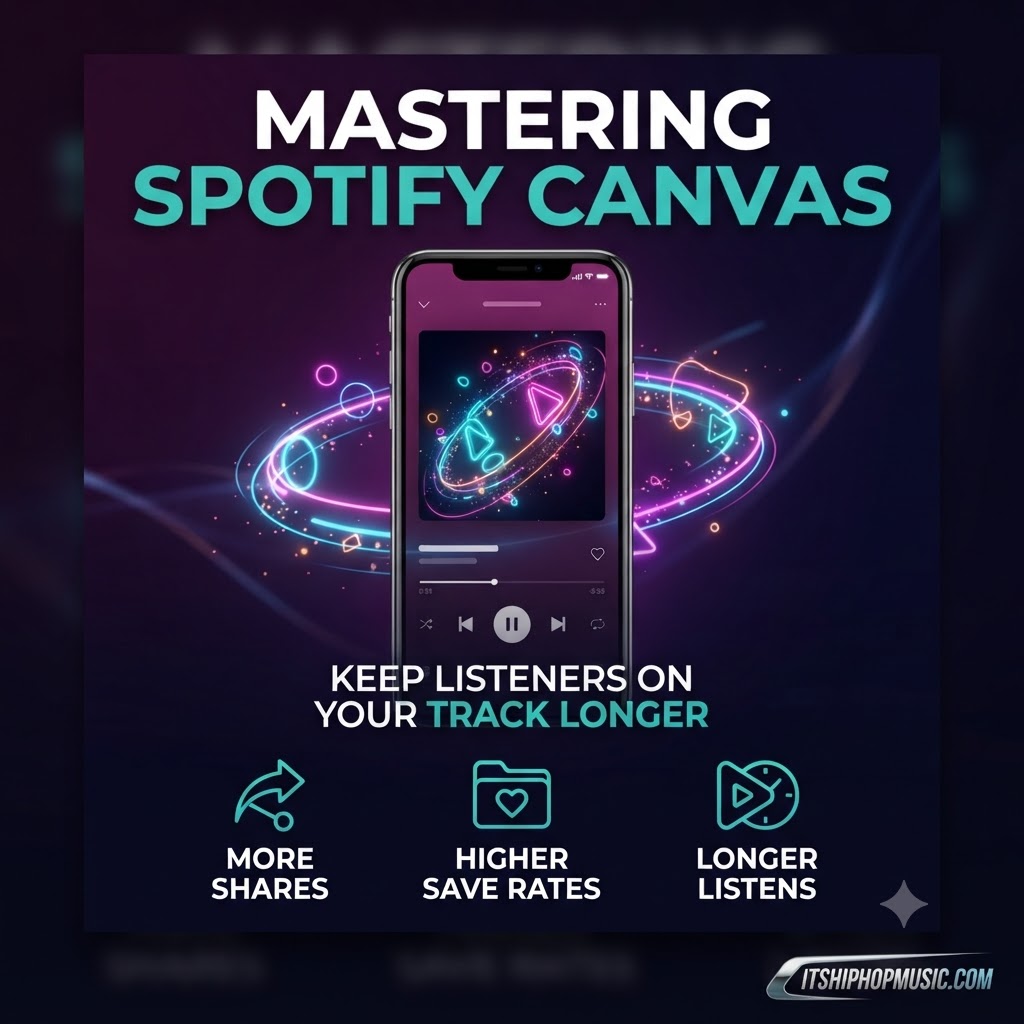
More Shares: People are way more likely to share a song to their Instagram Story if it looks like a piece of art. A custom loop is essentially a pre-made social media asset that works for you.
-
Higher Save Rates: When your brand identity is cohesive and polished, listeners remember you. That aesthetic connection turns casual listeners into fans who save your track to their personal playlists.
-
The “Stickiness” Factor: A great visual keeps eyes on the app longer. It keeps the listener in your world, which helps anchor them to the track and increases the likelihood they’ll listen to the song all the way through.
Essentially, a Canvas turns a standard streaming link into a piece of shareable media. An eye-catching Canvas visual increases track shares significantly, maximizing the return on investment you get from our artist submission platform.
How to Do It Right
You don’t need a massive budget to make a great Canvas, but you do need intentionality. Here is how to keep it professional:
-
Make it Seamless: The best loops are the ones you can’t quite tell are looping. Avoid abrupt edits. The transition from the end of your clip back to the start should feel like part of the song’s rhythm.
-
Less is More: Don’t clutter the screen with text. Spotify already shows the song title and artist name. Use the visual to tell a story or set a mood—keep the focus on the vibe.
-
Match the Aesthetic: Your Canvas is part of your brand. Ensure the colors and pacing of the loop align with your album art, your social media presence, and the general energy of the track.
-
Optimize for Speed: Keep your file sizes manageable so they load instantly. You want the visual to pop up the second the song starts, not three seconds later.
Ready to elevate your streaming presence?
Visuals are a huge piece of the puzzle, but they’re only one part of a successful release. To really gain traction, you need your music in front of the right curators and active listeners.