Spotify Auto-Mix Features: How Seamless Track Transitions Keep Listeners on Your Song
In the current streaming landscape, everyone talks about nailing that first five-second hook. But what happens before your song even starts—and right after it ends—is just as critical for your numbers.
As Spotify leans harder into advanced Auto-Mix, Smart Reorder, and crossfade capabilities, the way people consume music has changed. Listeners aren’t just tapping play on isolated singles anymore; they’re riding out long, uninterrupted sessions driven by custom queues and smart algorithms.
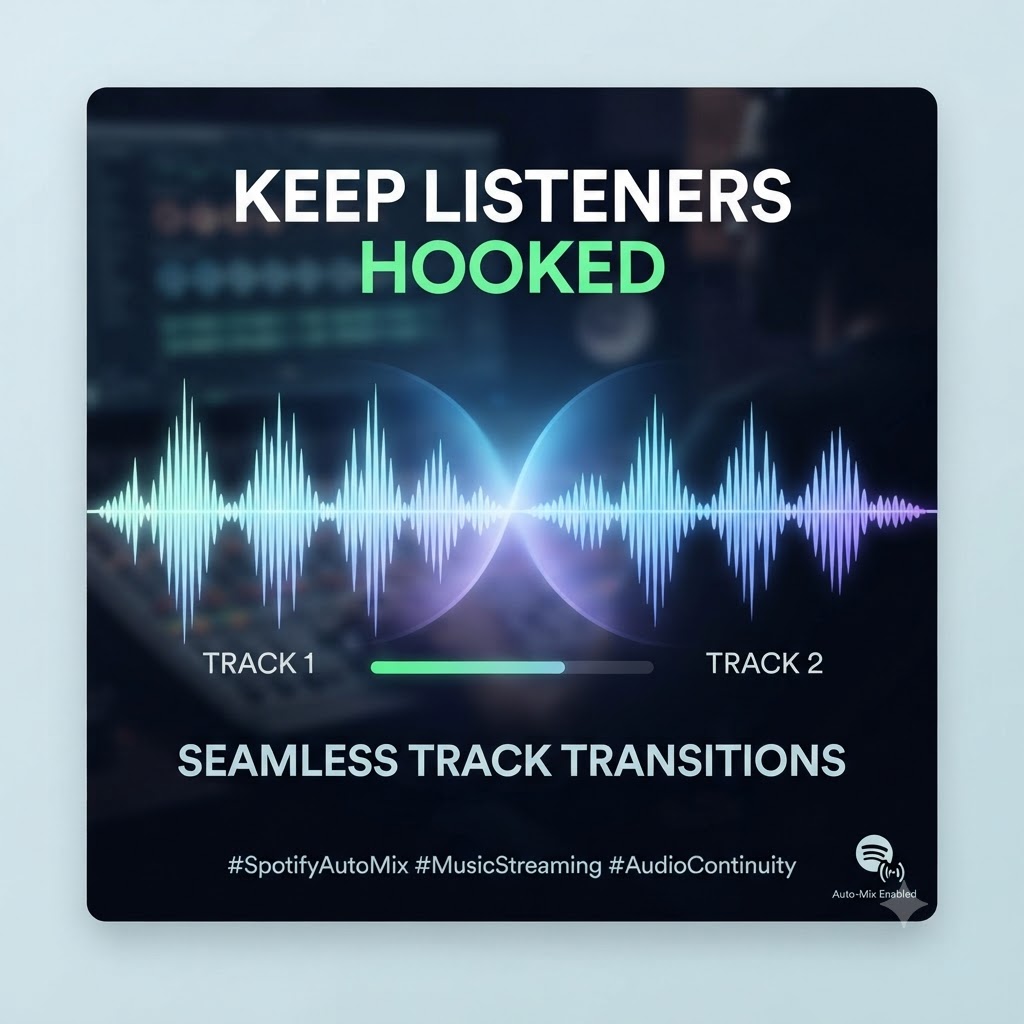
If your track drops in with total silence or logs a jarring, awkward ending, it gives the listener an excuse to look at their phone and hit skip. On the flip side, if you design your intros and outros with these transitions in mind, your track glides right into the next rotation, keeping retention high and algorithms happy.
The Psychology of the Skip
When someone puts on a playlist for a long drive, a workout, or a work session, they want a vibe that flows. A sudden dead-air silence, a mismatched tempo, or a clunky edit snaps them right out of the zone.
-
The Dead-Air Penalty: Songs that fade completely out into nothingness invite listeners to check their screens. The moment someone picks up their phone, your chances of holding that stream drop fast.
-
The Flow State: Spotify’s mixing tools—from manual crossfades to automated transitions that match tempos—mean fans are getting used to a seamless, DJ-set feel everywhere they listen.
-
The Algorithm Connection: Your track is constantly dropping into custom queues and algorithmic mixes. If your intro or outro clashes with the track playing before or after it, listeners tune out—and the platform notices those quick drop-offs.
How to Arrange Your Tracks for the Auto-Mix Era
If you want your music to win in continuous playback environments, your production choices need to account for how streaming software actually handles audio boundaries.
1. Build “Mix-Friendly” Intros
-
Skip the Endless Spoken-Word Intro: Cinematic monologues or unmetered ambient pads sound great on a standalone album listen, but they can get completely mangled by crossfade algorithms.
-
Lead with Rhythm: Give transition tools a clear pulse to grab onto. Dropping in with a crisp beat, a steady bassline, or a clean percussion loop right at the start helps mixing features blend your song smoothly out of the previous track.
2. Design Smart Outros
-
Leave a Runway: Avoid slamming the brakes with a harsh, abrupt cut at the end of your track. Give yourself a few bars of stripped-back rhythm or a clean instrumental tail. This gives crossfade settings and auto-mix engines a natural window to slide the next song underneath yours.
-
Watch Your Keys: While you can’t predict every playlist you’ll land on, keeping your final bars harmonically open avoids that cringey, out-of-key clash when two songs overlap.
Industry Take: Stop treating your intros and outros as locked doors. Treat them like bridges. The easier your song is to blend into a mix, the longer the listener stays hooked.
Take Control of Your Release Strategy
Knowing how listeners flow through modern streaming platforms is only half the battle. To really move the needle, you have to optimize your track arrangements for long listening sessions, then launch a rollout using our tools.