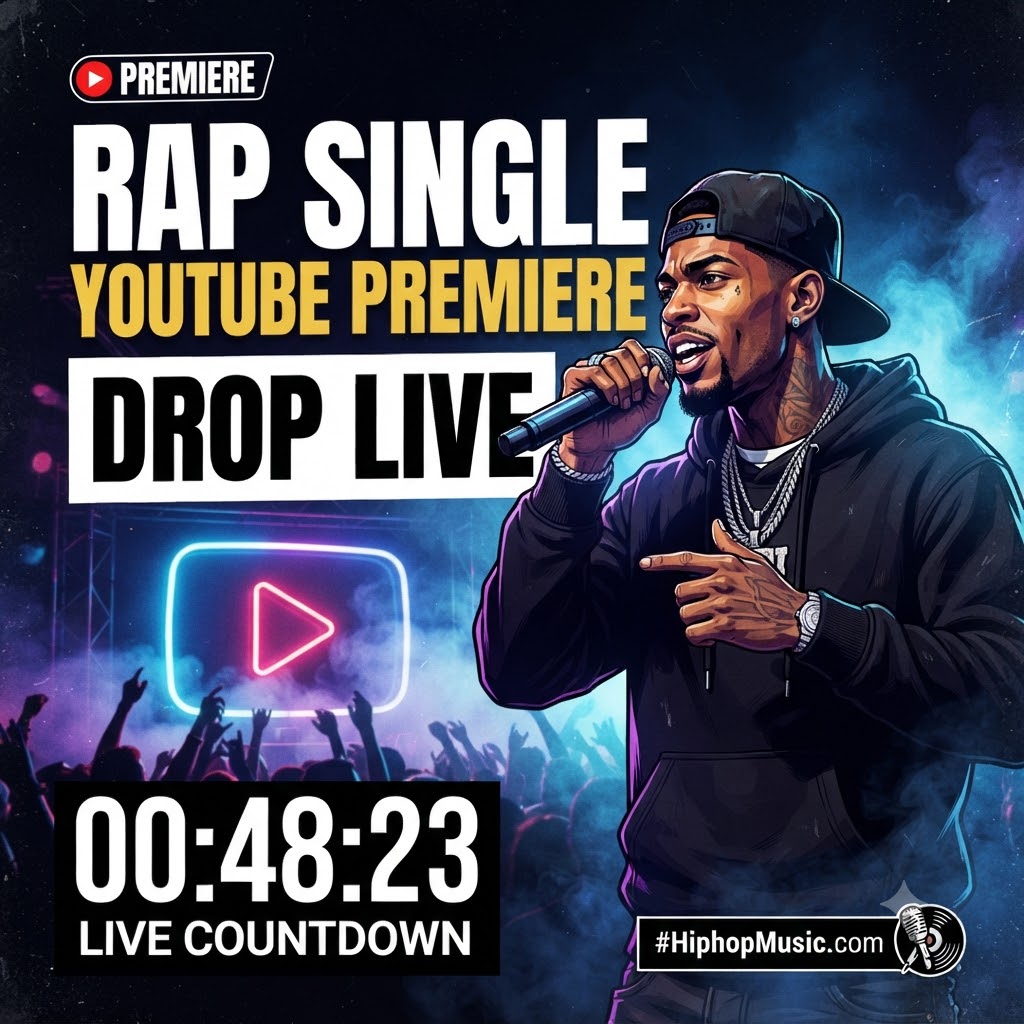
How to Set Up YouTube Premieres for a Rap Single Release: The Ultimate Indie Artist Guide
Dropping a new rap single is a whole lot different than it was even five years ago. Back then, you’d drop an MP4 file into your channel, hit publish, cross your fingers, and hope the algorithm gods smiled down on you. But today? The digital landscape is way too noisy for casual drops. If you want your next track to actually make some noise, you have to treat the release like a literal event—not just an upload.
That’s where YouTube Premieres come into play. If you’re trying to figure out how to use youtube premieres for music video drop campaigns, you’re looking at one of the most powerful free tools available to independent hip-hop artists. Premieres let you and your entire fanbase watch your brand-new video together in real-time, complete with a live chat, a countdown timer, and an immediate surge of community energy.
Let’s dive into how you can set one up, avoid the rookie mistakes, and use it to genuinely move the needle on your next release.
Why Regular Uploads Are Killing Your Rap Video Momentum
Before we get into the technical setup, let’s talk psychology. When an artist uploads a music video as a standard unlisted-then-public file, it usually drops quietly. Fans stumble across it hours later. Some watch the first ten seconds, get distracted, and bounce.
A YouTube Premiere flips that script entirely:
-
The Countdown Effect: It gives people a specific destination and a specific time to be somewhere. It builds anticipation. When people see a countdown timer ticking down to zero on a sleek thumbnail, it creates psychological scarcity.
-
The Live Chat Energy: Imagine dropping your hardest bar and watching the chat explode with fire emojis and caps-lock reactions in real-time. That shared experience makes fans feel like they are part of your journey, not just passive listeners.
-
Algorithmic Fuel: YouTube’s backend treats Premieres almost like live streams when they launch. That means subscribers get push notifications ahead of time, and the platform recognizes the spike in concurrent viewers right out of the gate, signaling that your video deserves a wider push.
Step-by-Step: Setting Up Your Premiere in YouTube Studio
Setting up a Premiere doesn’t require a degree in computer science, but you do need to click the right boxes in YouTube Studio. Here is the exact playbook to get your video scheduled properly.
1. Upload Your Master File
First things first: make sure your video export is pristine. We’re talking 1080p minimum, ideally 4K if your budget allowed for it, with a clean audio mix that doesn’t distort when pushed through laptop speakers or car subs. Head into YouTube Studio, hit that Create button in the top right, and upload your file.
2. Lock Down Your SEO and Metadata
While the video is processing, don’t sleep on your optimization. Search engine optimization matters immensely on YouTube because it functions as the world’s second-largest search engine.
-
The Title: Keep it clean and searchable. Don’t just put NEW VIDEO (PROD. BY X). Use something like Artist Name – Track Title (Official Music Video) so people actually know who you are when they search your name later.
-
The Description: Drop your streaming links (Spotify, Apple Music), social handles, producer credits, and director tags right at the top.
-
Thumbnails: Make it punchy. Use a high-contrast still from the video with expressive emotion or heavy lighting. Avoid putting tiny text on it that nobody can read on a phone screen.
3. Schedule and Toggle “Set as Premiere”
Once your metadata is locked, navigate to the visibility settings:
-
Choose Schedule and pick your release date and time. (Pro tip: Think about your target demographic. Dropping a video at 3 AM on a Tuesday is a recipe for crickets. Aim for peak evening hours—usually between 6 PM and 9 PM in your core timezones).
-
Check the box that explicitly says Set as Premiere.
4. Utilize the Trailer and Theme Options
Don’t skip the extra features YouTube gives you here. You can upload a short teaser trailer (15 to 30 seconds of pure energy) that loops on your Premiere watch page before the main event starts. When fans land on the link days early, that teaser builds heavy suspense. Also, choose a countdown timer theme that matches the mood of your track—whether that’s a sleek modern look or a gritty vibe.
Pro-Level Strategies to Pack Out Your Premiere Chat
Setting the premiere up is only half the battle. If you drop a link and nobody is in the chat room, it loses half its magic. You have to actively drive traffic to that room.
Build the Hype 48 to 72 Hours Early
Treat your Premiere link like a ticketed event. Drop the direct link across your Instagram Stories, TikTok posts, Twitter/X timeline, and Discord server days in advance. Tell your supporters to click the link and hit the “Notify Me” bell. That bell notification is pure gold because it pings your subscribers right before you go live.
Coordinate Traffic and Marketing
Getting people to show up takes more than just dropping a casual tweet. Successfully packing out live premiere chat rooms requires coordinated digital traffic from our hip-hop video marketing services. Bringing a targeted, engaged audience straight into your virtual room the second the counter hits zero guarantees that your chat won’t be echoing with silence.
Host the Chat Like a VIP
When the countdown hits zero, the video starts playing, but your job isn’t done—it’s just beginning. Keep one eye on the live chat while your video rolls. Pin a message at the top with a link to stream the track on Spotify. Shout out loyal fans by name, drop fun facts about the video shoot, and feed the energy. When fans see the actual artist hanging out in the chat typing in all caps with them, loyalty skyrockets.
Wrapping It Up
At the end of the day, releasing music is about building a connection. Standard uploads feel transactional, but a well-executed YouTube Premiere feels like a community gathering. By taking advantage of countdowns, live chats, and algorithmic pushes, you turn a simple music video drop into an unforgettable moment for your supporters.
Ready to get more eyes and ears on your next visual?
Turn Your Next Release Into a Movement
Turn premiere events into viral channel moments. Submit your link via our Music Video Submission Page.