Audit Your Distributor: How to Catch Missing Streaming Payouts (And Stop Getting Shortchanged on International Streams)
Let’s be honest for a second. When you finish a track, get the final master back from the engineer, and upload it to your distributor, what is the actual feeling in your gut? Relief? Excitement? A little bit of dread?
For most independent hip-hop artists and producers, the creative side is where the passion lives. Mixing, mastering, designing cover art, shooting a visualizer, and building out a TikTok rollout plan—that is why we got into music. But the backend business? The royalty statements, the tax forms, the digital distribution dashboards? That usually gets treated like a chore we do with one eye closed.
You drop your project, watch the Spotify for Artists map light up, and wait for that monthly deposit to hit your bank account. If the number looks okay, you roll with it. If it feels a little low, you shrug, figure streaming just pays pennies anyway, and get back to making music.
Here is the hard truth: If you are just taking your distributor’s monthly payout statement at face value, you are likely leaving thousands of dollars on the table. Worse, if you have a growing international fanbase in places like Japan, Germany, Brazil, or the UK, you might actually be getting shortchanged on money your tracks are actively earning overseas.
Let’s pull back the curtain on how digital distribution data actually works, how to read those intimidating CSV royalty reports without needing a degree in accounting, and how to make sure your aggregator isn’t skimming percentages off your international streams.
Why Independent Artists Need to Start Auditing Their Distribution Data
The independent music boom is real. Millions of tracks are uploaded to DSPs (Digital Service Providers) every single week. Distributors like DistroKid, TuneCore, CD Baby, Landr, and various boutique label services handle billions of micro-transactions globally.
When you scale up to that volume, administrative errors aren’t just possible—they are practically guaranteed. Metadata gets mismatched, ISRCs get split across different profiles, and matching algorithms fail.
Unfortunately, it isn’t always just an innocent glitch. The music business has a long, messy history of hidden fees, bloated currency conversion rates, and opaque accounting practices. Some aggregators and independent label services bury unfavorable percentage splits, heavy administrative deductions, or delayed international payouts deep inside their terms of service.
If you don’t know how to look under the hood of your own financial data, you have no way to spot the leaks. Your distributor knows you’re focused on making music, not combing through spreadsheets. It’s time to change that power dynamic.
The Spreadsheet Reality: How to Read and Audit a CSV Royalty Report
Most major distributors allow you to download your complete earnings history as a massive CSV (Comma-Separated Values) file. If you’ve ever opened one of these files, you know it can feel like staring directly into the Matrix. You are looking at tens of thousands—sometimes hundreds of thousands—of individual rows, columns of confusing codes, fractions of pennies, and strange territory markers.
You don’t need to be a CPA to make sense of it. You just need Microsoft Excel or Google Sheets and a few strategic steps.
1. Ditch the Row-by-Row Reading and Master Pivot Tables
Trying to read a royalty statement row by row is a recipe for a migraine. The very first thing you should do when you download a heavy CSV report is highlight all your data and insert a Pivot Table.
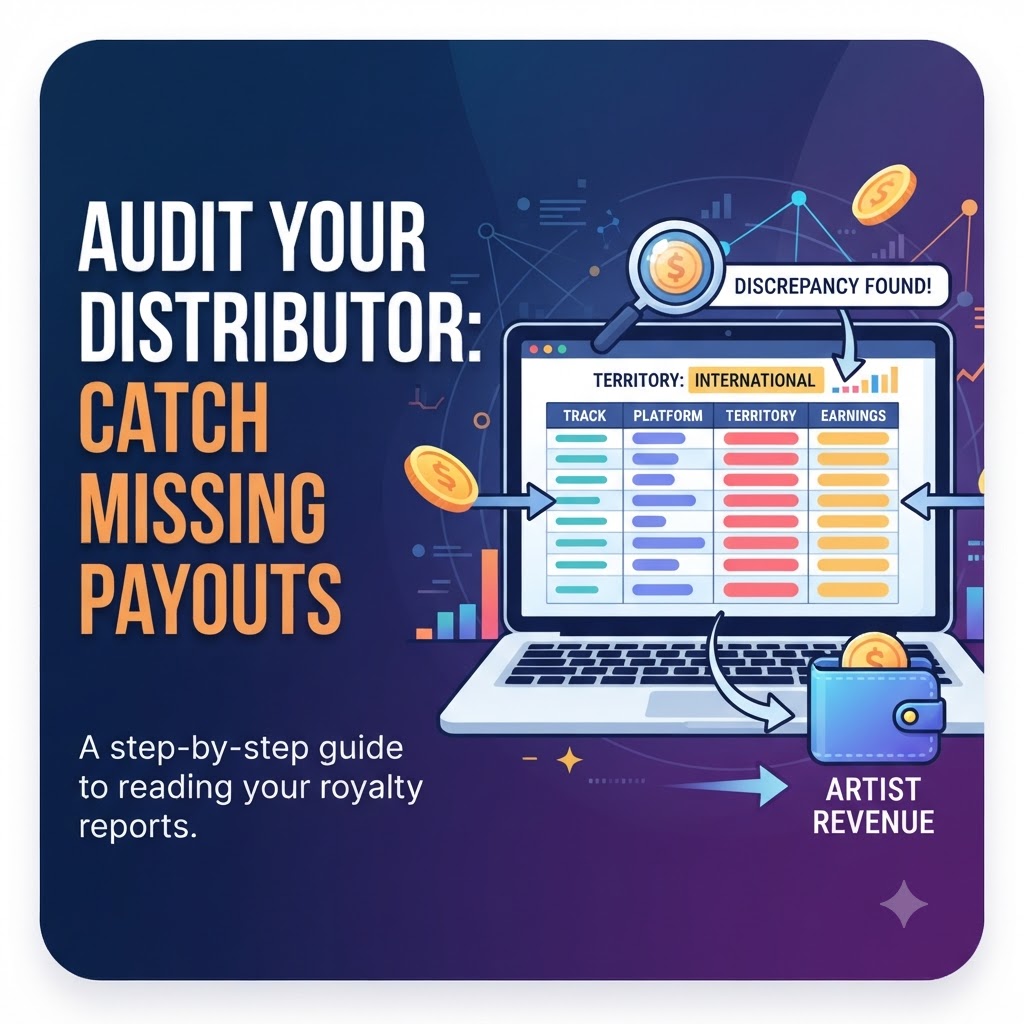
A pivot table lets you instantly group and summarize your data without deleting or messing up the raw file. You want to organize your table by three core metrics:
-
Track Title and ISRC Code
-
DSP / Platform (Spotify, Apple Music, Tidal, Amazon Music, YouTube Music, etc.)
-
Territory / Country of Origin (US, UK, Japan, Germany, Brazil, etc.)
Once your data is neatly grouped into a pivot table, patterns start to emerge immediately. You can see which tracks are carrying the weight and, more importantly, where the numbers stop making sense.
2. Hunt Down Missing Streams Using ISRC Codes
Every single track you release should have a unique International Standard Recording Code (ISRC). When you are auditing, never rely solely on the song title written in plain text.
Filter your report specifically by your track’s ISRC. Why? Because streaming platforms and aggregators often create duplicate entries due to featuring credits (e.g., “feat. Artist X” vs. without), remix variations, or spelling errors. If a distributor’s system miscategorizes your song, those streams and royalties can end up sitting in a “miscellaneous” or unallocated folder, quietly gathering dust while you miss out on the payout.
3. Spot International Discrepancies and Regional Skimming
This is where the real problems usually hide. Global streaming behavior is diverse. A track that is a modest hit in the United States might be going viral on short-form video platforms in Southeast Asia, or pulling steady algorithmic streams in Western Europe.
Take a look at your streaming dashboards (like Spotify for Artists or Apple Music for Artists) and compare your global listener map against your distributor’s CSV breakdown:
-
Do you have a massive surge of streams coming from Japan, South Korea, or Germany, but the revenue attached to those specific territories in your CSV report looks flatlined?
-
Are you seeing high play counts from regions with strong local subscription tiers, yet your payout for those countries amounts to fractions of a cent per thousand streams?
International payouts are notoriously complex because they have to pass through local collection societies, regional licensing organizations, currency exchange desks, and foreign tax withholdings before hitting your distributor. If your aggregator has messy international pipeline partnerships—or worse, if they are quietly taking an inflated cut on currency conversions—your international earnings will shrink drastically by the time they hit your account.
If your analytics show 50,000 streams in a specific foreign territory, but your payout report shows you made the price of a half-cup of coffee from that entire region, you have grounds to dig deeper.
What to Do If Your Audit Uncovers Missing Payouts
Let’s say you’ve run the pivot table, checked your ISRCs, and found glaring holes in your payout data. Don’t blow up your distributor’s social media accounts in a rage just yet. You need to handle this like a professional business owner.
-
Export and Freeze the Evidence: Save a clean, untouched copy of the exact CSV report where you found the discrepancy. Highlight the specific rows, tracks, and dates in question.
-
Contact Support with Surgical Precision: Do not send a generic support ticket saying, “I think you guys are stealing my money.” It will get buried or answered by an automated bot. Instead, send a hyper-specific, data-driven email. Give them the exact ISRC code, the specific DSP, the exact month, the stream count shown on your analytics dashboard, and the contrasting revenue figure shown on their statement. Give them no room to deflect.
-
Audit Your Distribution Agreement: Pull up the terms of service you agreed to when you signed up. Look closely at payout thresholds, processing timelines, international withholding taxes, and hidden percentage cuts. If you realize their backend fees are predatory or their customer service ghosts you when you present hard data, it’s time to plan your exit strategy and migrate your catalog to a more transparent, artist-friendly distributor.
Leveling Up Your Independent Career
Taking control of your data isn’t just about catching mistakes—it’s about shifting your mindset from a hobbyist to an independent music entrepreneur. When you treat your music like a real business, every dollar earned stays where it belongs.
Once your backend business is clean, your royalties are locked down, and your distribution is running smoothly, the next step is growth. You need to funnel fresh listeners into your ecosystem, build your core audience, and turn those casual listeners into superfans.
Frequently Asked Questions
How often should I audit my music distribution statements? You don’t need to do a deep dive every single week, but downloading your CSV reports and running a quarterly audit is best practice. Catching discrepancies within a 3-to-6-month window makes it much easier for distributor support teams to investigate and retroactively fix payout errors.
Do all distributors take a cut of international streams? Most standard distributors take either an upfront annual fee or a flat percentage (e.g., 10% to 15% on certain plans) of your net royalties. However, hidden currency conversion markups can secretly eat away at your international funds before that percentage is even calculated. Always check the fine print regarding foreign exchange fees.
What is the best software to open massive CSV royalty files? Microsoft Excel and Google Sheets are the industry standards. If your distributor’s CSV file is too massive and crashes Google Sheets (often happening around the 500,000+ row mark), Excel or dedicated data software like Apple Numbers or OpenOffice can usually handle the heavy lifting.