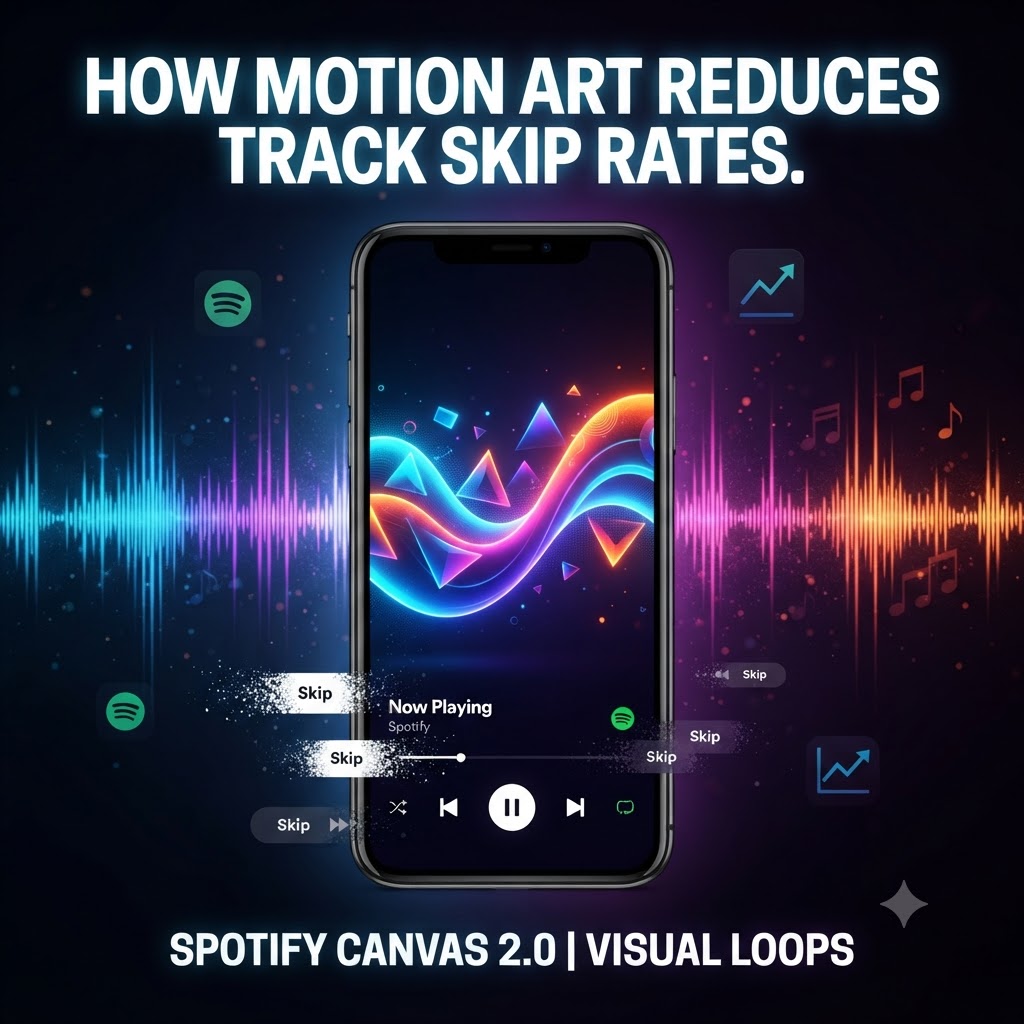
When you drop a new track, you have about three seconds to convince a listener not to hit that dreaded skip button. In a streaming ecosystem flooded with endless releases, the battle for attention isn’t just won in the studio—it’s won on the “Now Playing” screen.
If you’re still relying solely on static album art, you’re fighting an uphill battle. The real secret weapon for keeping thumbs away from the skip button right now is Spotify Canvas 2.0 motion art.
Dynamic visual loops have quietly transformed from a cool design trend into a major algorithmic lever. Here is why motion art is slashing track skip rates and how you can use it to your advantage.
Why Visual Loops Stop the Skip
Listeners rarely sit and stare at a streaming app; they’re multitasking, driving, working, or scrolling. A static cover blends into the background noise of the app. A smooth, hypnotic motion loop, however, acts as a visual pattern interrupt. It catches the eye in the peripheral vision and forces the brain to pause just long enough to let the intro breathe.
Beyond just grabbing attention, motion art deepens the emotional weight of your music. A gritty, rain-drenched loop completely shifts the vibe of a moody underground track, while a vibrant, glitchy animation supercharges a high-energy anthem. When the visual and the audio speak the same language, the listening experience feels intentional and high-value—building instant trust with a casual listener.
Even better, Spotify’s algorithm notices when people stick around on the “Now Playing” screen to watch your loop. Lower skip rates and higher dwell times tell the platform your track is sticky, which is exactly what you need to trigger algorithmic placements on Discover Weekly and Release Radar.
Quick Tips for High-Converting Canvas Art
-
Make it infinitely seamless: A jarring hard-cut ruins the hypnosis. Aim for loops that flow naturally without an obvious reset point.
-
Skip the text: Your name and song title are already plastered all over the Spotify UI. Let the motion art do the heavy lifting without cluttering the screen.
-
Match the energy: Don’t pair a hyper-speed neon visual with a slow-burning acoustic record. Keep the mood locked in.
-
Format for mobile: Everything must be optimized strictly for the 9:16 vertical smartphone layout.
From Visuals to Real Momentum
Great visuals will keep people from skipping your song once they land on it, but you still need to get that track into the right hands to build real traction.
If you’re ready to pair your visual artwork with direct listener reach, you can pair your visual artwork with direct listener reach through our music submission form.
At the end of the day, modern music marketing is multi-sensory. Fans want an aesthetic to match the audio. Upgrading to Spotify Canvas 2.0 isn’t just about looking cool—it’s a practical way to hack listener psychology, lower your skip rates, and turn casual scrollers into dedicated fans.