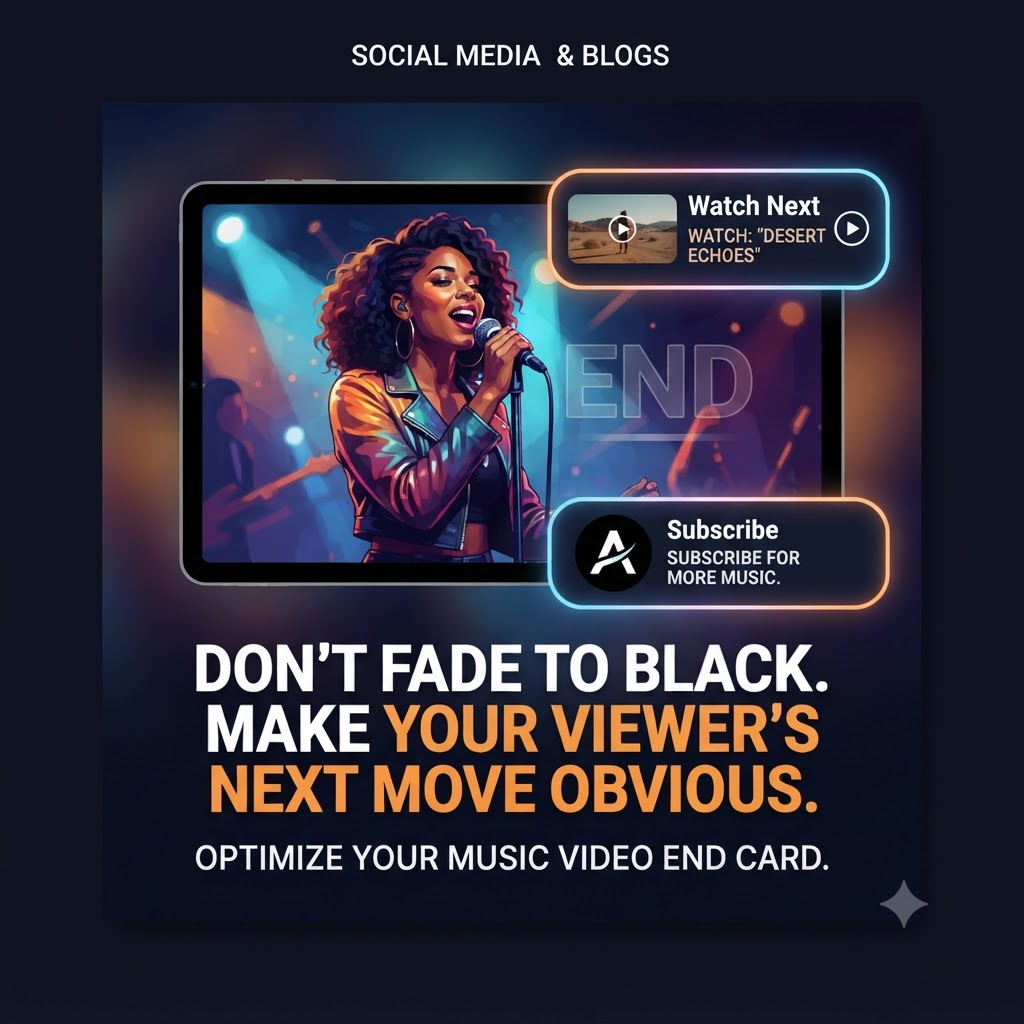
Stop Letting Your Music Videos Fade to Black (And Losing Your Fans)
You’ve poured everything into your music video. The production, the color grade, the edit—it’s all tight. A viewer reaches the end, the final chord rings out, and then… fade to black.
What happens next?
If you’re just letting your video end on a blank screen, you’re making a massive mistake. You’re essentially telling your audience, “That’s it, you’re done here.” In reality, the final 20 seconds are the most important part of your video if you actually want to grow your career.
Why “Fade to Black” Kills Your Momentum
YouTube’s algorithm loves one thing above all else: keeping people on the platform.
When someone finishes your video and clicks away to someone else’s content, the algorithm takes note. It sees that you didn’t provide enough of a “hook” to keep the session going. But, if you guide that same viewer to your next video, you’re proving that your channel is a destination. You need to keep your viewer loops active. Build up your overall channel ecosystem metrics using our [trusted artist growth strategies].
The Secret to the Last 20 Seconds
Think of your outro not as an “ending,” but as a menu. If someone just watched your video, they’ve already signaled they like your sound—so give them an obvious next step.
Here’s what you should be putting in those final 20 seconds:
-
The “Deep Dive”: Link to a previous video or a playlist. If they liked your new single, they’ll probably enjoy what you did last year. Make it easy for them to keep listening.
-
The “Fan Support” Link: If you’ve got merch, a Patreon, or tour dates, this is your prime real estate. Don’t be shy about it—your true fans want to know how to support you.
-
The Subscribe Gate: It sounds obvious, but it works. A simple, well-placed subscribe button acts as a reminder for people who might have been too busy vibing out to hit the button earlier.
A Few “Human” Tips for Your Outro
-
Don’t overcomplicate it: You don’t need a million links on the screen. Pick one or two things that matter most, like a “Watch Next” video and a “Subscribe” button.
-
Don’t cut the music abruptly: Fade your outro elements in while the song is still playing. It feels much more natural than a sudden cut-off.
-
Make it look like you: Your outro cards shouldn’t look like generic templates. Match the colors, fonts, and vibe of your artist brand. If the design feels clinical or stiff, people will tune it out.
Take Control of Your Traffic
Every single view is an opportunity to turn a casual listener into a repeat fan. Don’t leave your channel growth to chance—guide your viewers exactly where you want them to go.